Updates overview
Learn how Updates help you announce product changes across email, your public Updates page, and in-app widgets.
Written By Markus Palm
Last updated 15 days ago
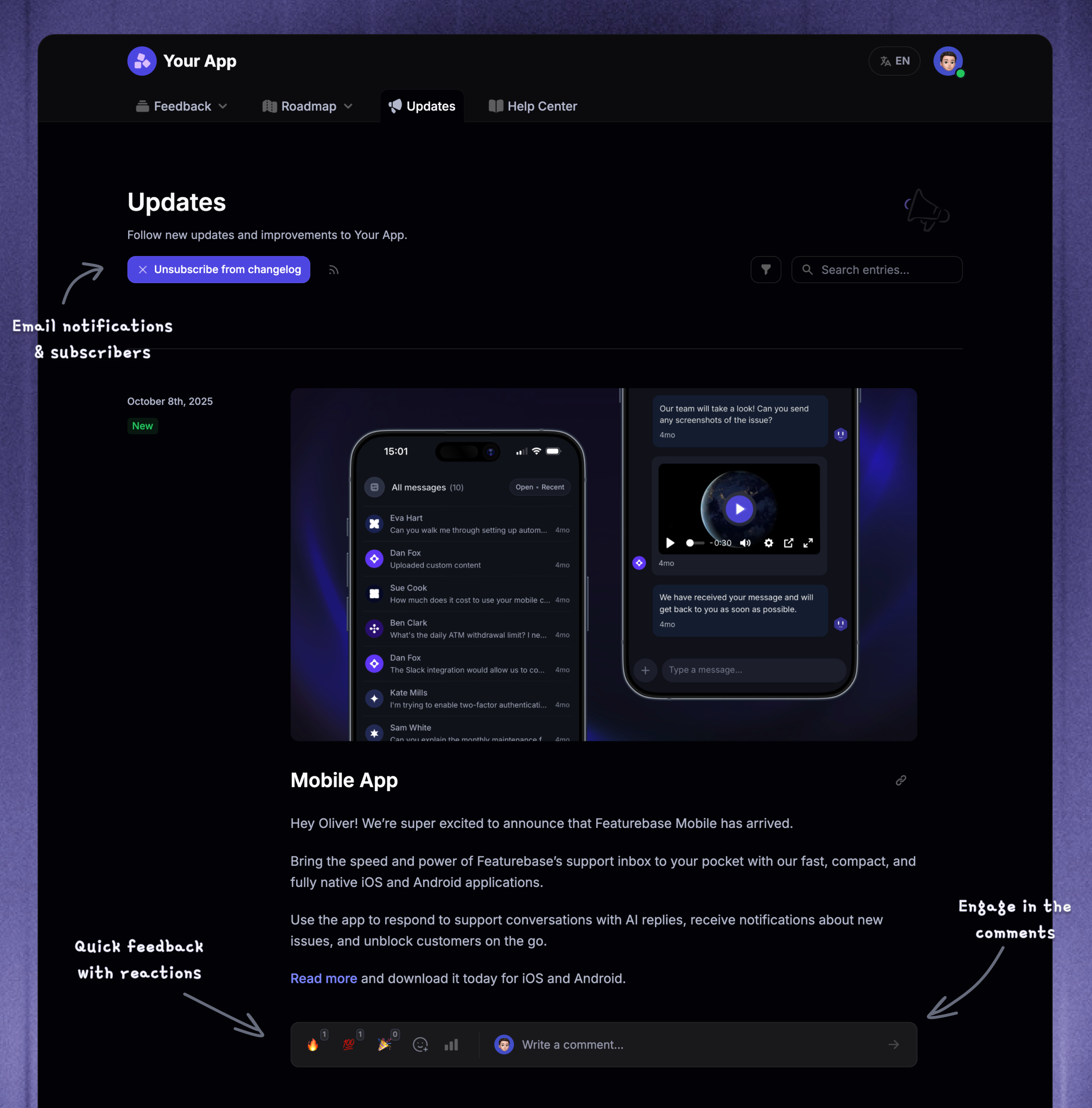
✨ Migrating from other tools? Import your release notes via API.
Overview
Updates help you keep customers informed about new features, improvements, fixes, and other important announcements related to your product or company.
You publish each Update once and choose whether to share it by email, on your public Updates page, through in-app widgets, or across all 3 channels. This helps you reach customers wherever they engage with your product while keeping the message consistent.
📹 For a video overview, see the Updates overview in Featurebase Academy →
Sharing your Updates
There are 3 different ways to share the Updates with your customers. You can use all 3 channels together for major releases or choose only the channels that fit a specific announcement. For example, you can send an email-only Update without adding it to your public product history.
1. Public Updates page
Give customers a permanent, shareable history of everything your company has shipped
The easiest way to add Updates to your product or site is to link it to a button or text. This could be anywhere, from the footer to your product’s menu. Just copy the URL of your live Updates page (e.g. https://feedback.yourcompany.com/changelog) and paste it where you like on your page or app.
You can also embed your Updates page directly into your app in its original form, allowing users to see all of your product updates.
Tip: Many of our customers like to link their Updates page in their marketing page’s footers and product menus.
2. In-app widgets
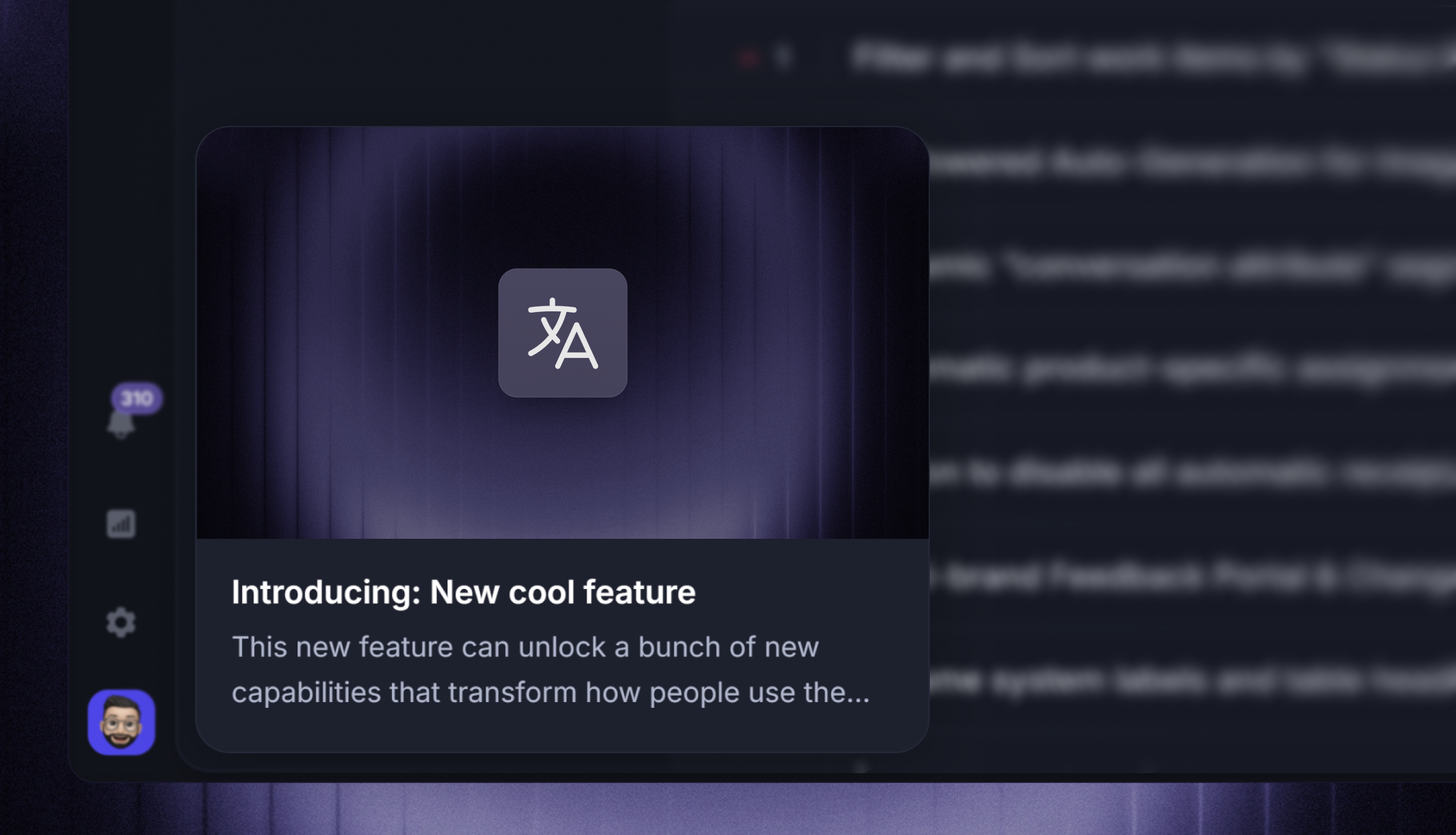
The second way is to use one of our neat in-app widgets to show the latest updates straight from your app.
This is great because it means users don't need to leave your app to see updates. Plus, they can be toggled to automatically show users fresh updates when they enter a page.
Learn to set it up: Install Changelog Widget
Good to know: You can automatically authenticate users in the widget using SSO for a seamless experience.
3. Emails
Whenever you publish a new update, you can send an email version of it to your users. The email mirrors the actual Update.
This is one of the most effective ways to reach your customers outside your product and keep them informed of the latest updates.
Reach the right audience
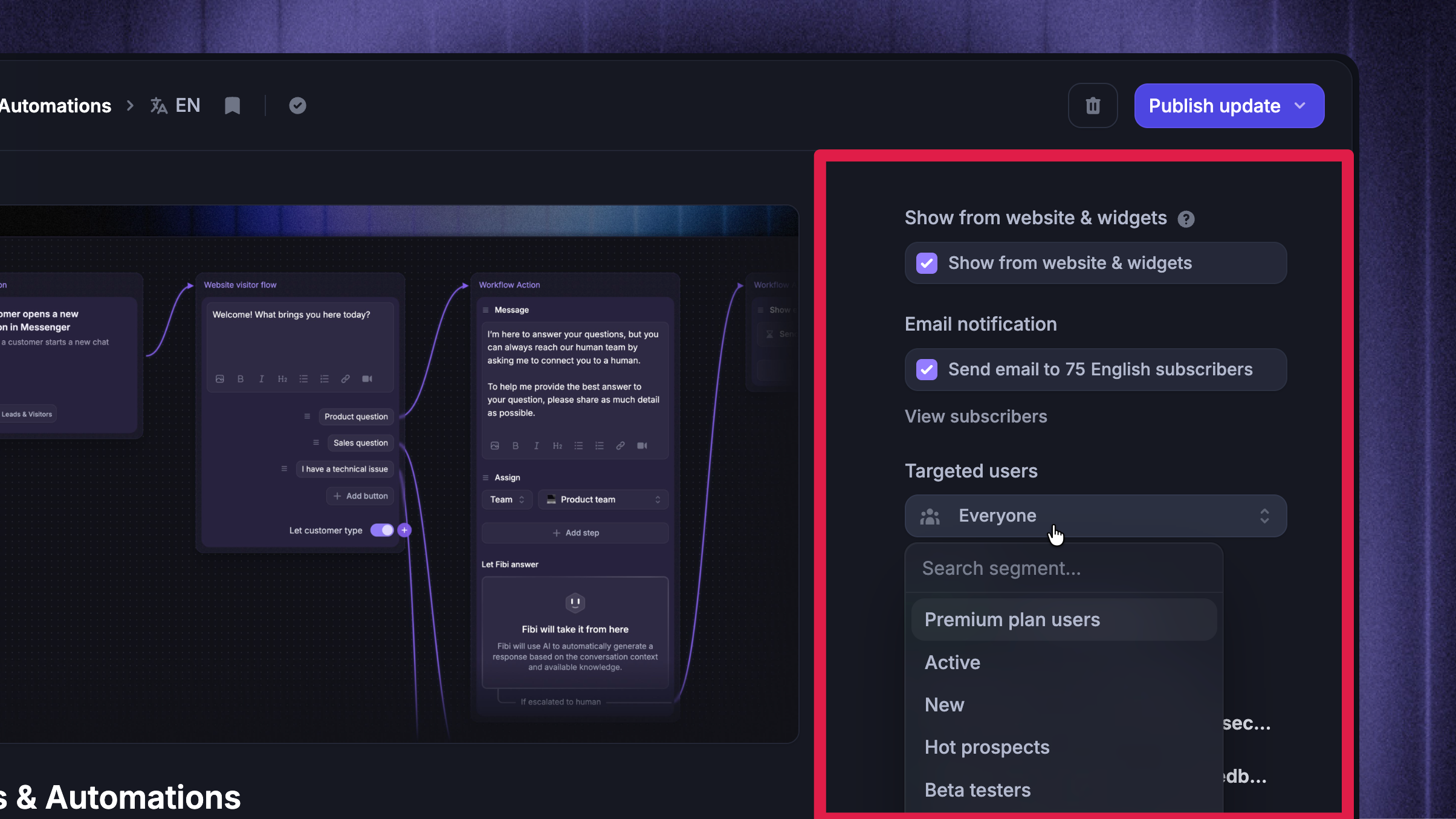
Publish Updates for everyone or use user segments to target specific customers, such as beta testers or customers on a certain plan.
Categories organize Updates by type and help customers filter your public page. You can also restrict a category to selected segments when the same group should see multiple related Updates.
For multilingual audiences, create translated versions of the same Update. Featurebase shows the right language on your public page and widgets and builds a separate email audience for each language.
Keep customers engaged
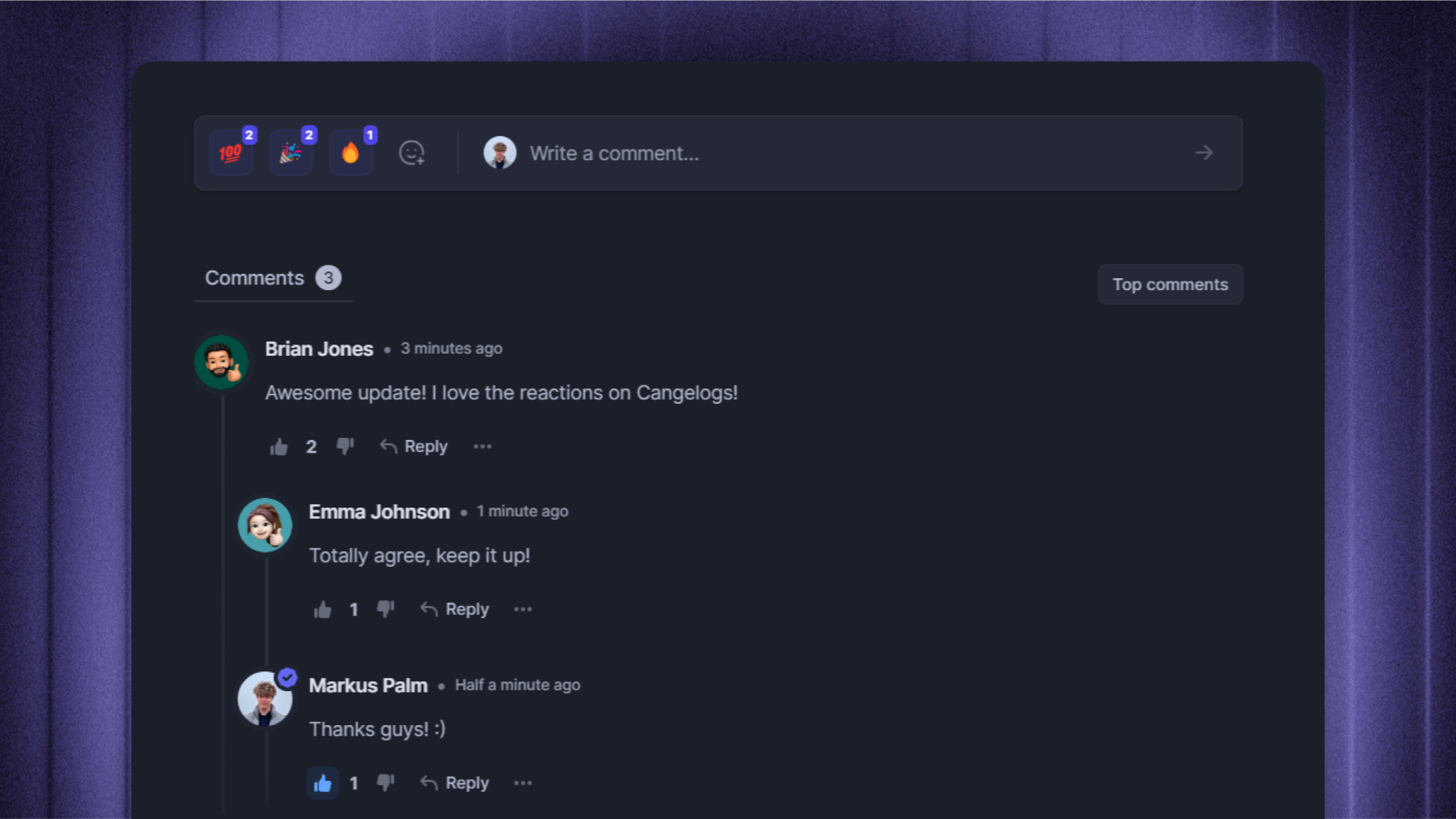
Updates also have comments & reactions to create a more collaborative environment around your releases. These also work in the widgets.
Measure what works
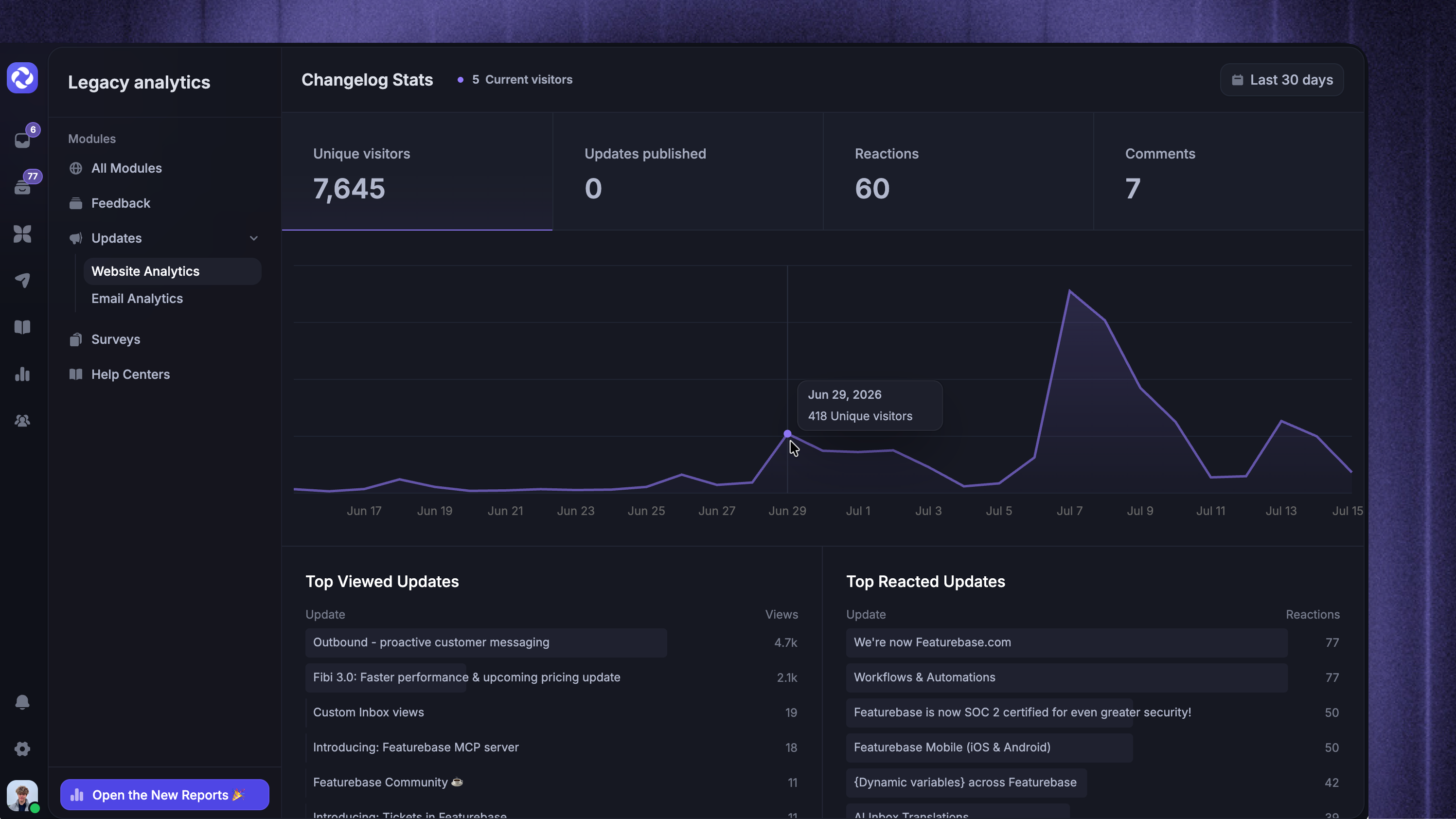
It’s important to know how your updates are performing and where they’re viewed from. From the Update analytics, you’ll quickly see what’s popular, which posts are most reacted with, and whether they’re viewed from widgets or the public page.
Was this helpful?
Still need help? Ask the team