Delete Workspace
Fully delete your Featurebase Workspace
Written By Markus Palm
Last updated 6 months ago
NB! Deleting a Workspace is a permanent action and cannot be undone. ⚠️
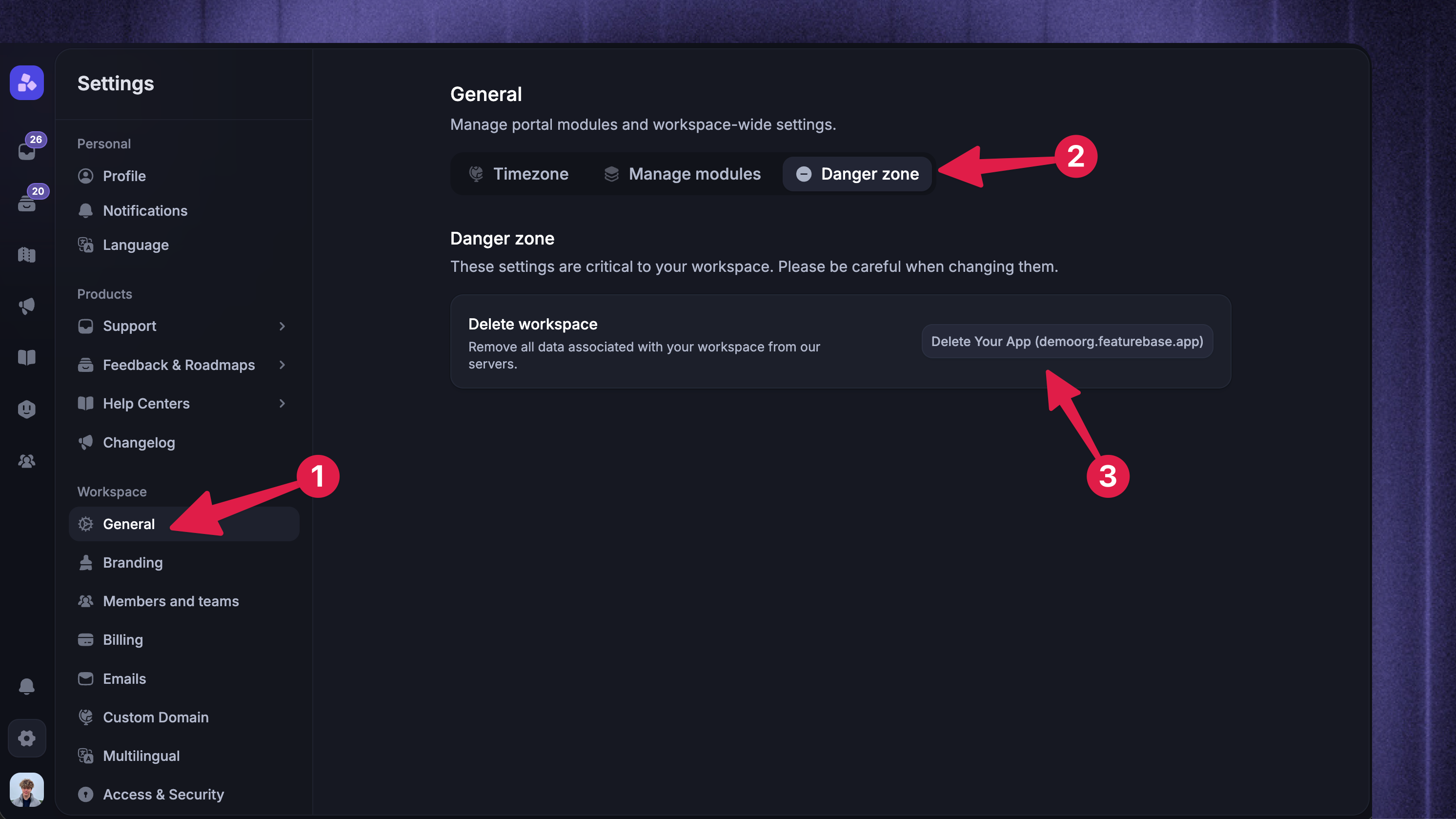
Follow these steps to delete your Workspace and all data associated with it fully:
Click on Delete [Your Workspace]
Complete the safety check, and your organization with all of the data is deleted
Was this helpful?
Still need help? Ask the team