How to update billing details
How to update your payment details and manage your billing contacts and settings.
Written By Markus Palm
Last updated 6 months ago
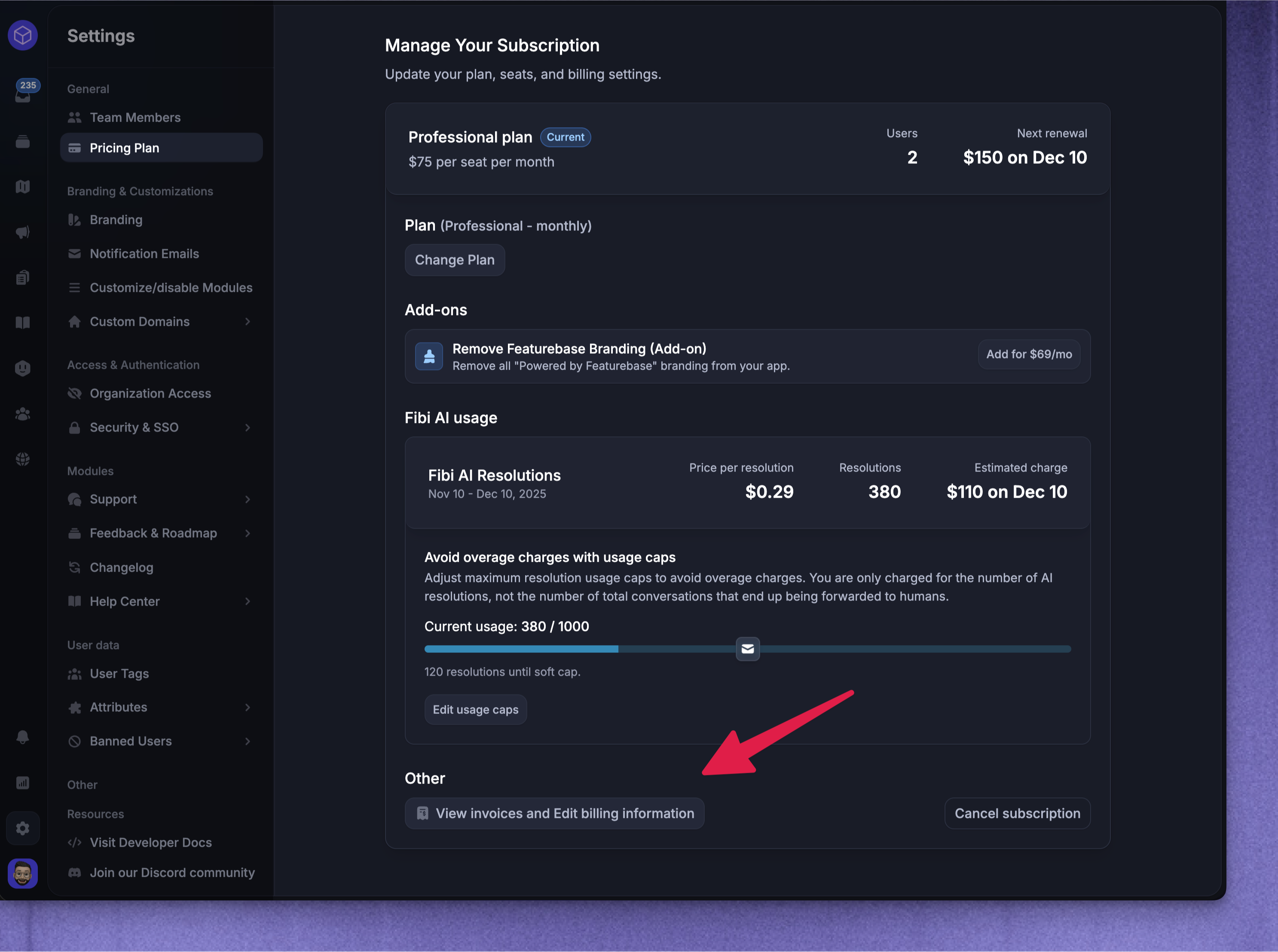
To update your payment details or manage your billing email:
Go to Settings → Billing
Click on “View invoices and Edit billing information”
Click “Update information” in the Billing portal view
Once added, future invoices will be automatically use the new information instead.
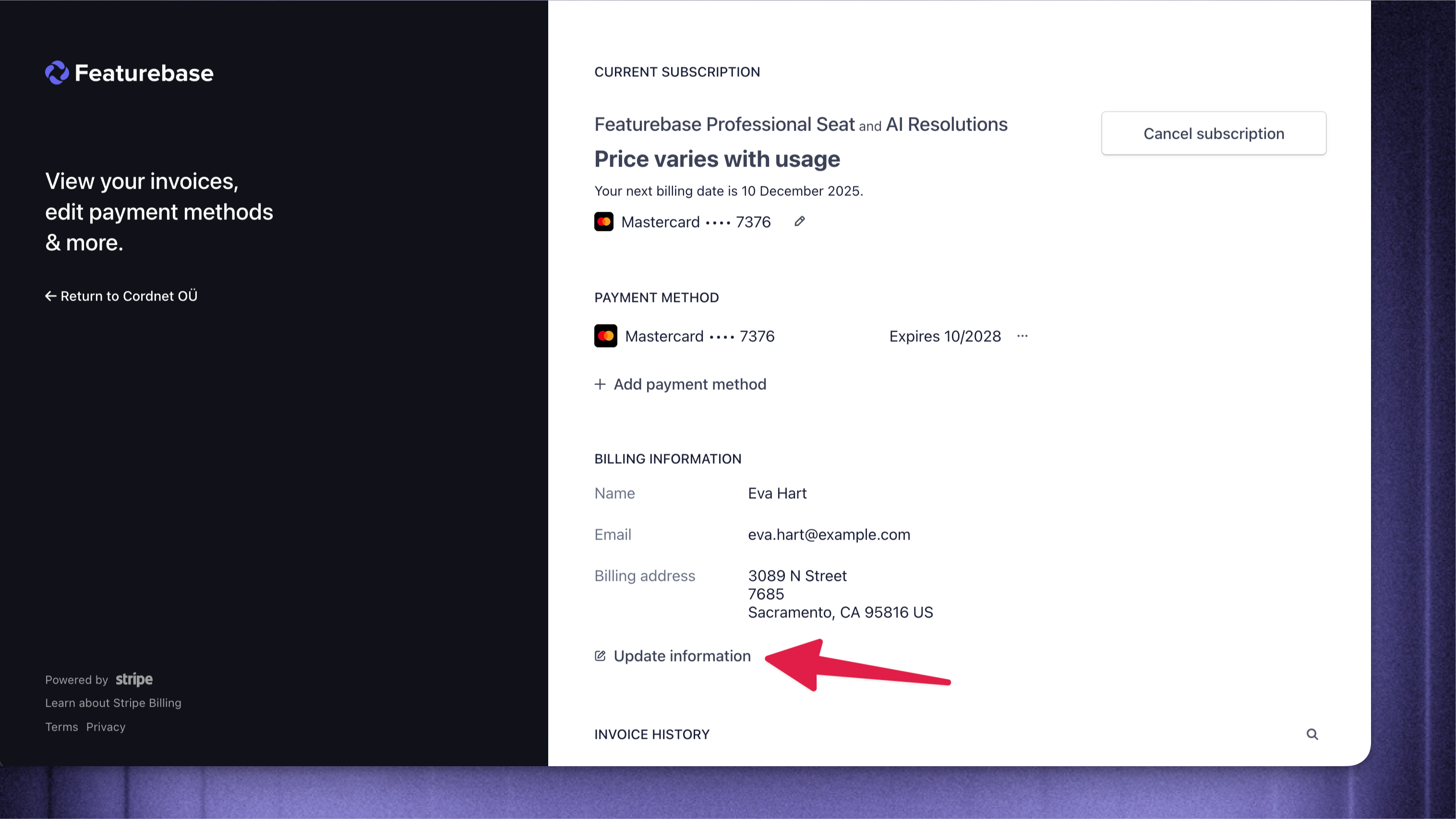
Note: Editing the details on already-issued invoices isn't currently supported.
Was this helpful?
Still need help? Ask the team