Collect & manage feedback
This is your one-stop guide to getting started with collecting and organizing feedback with Featurebase.
Written By Markus Palm
Last updated 5 days ago
Migrating from other tools? Import your feedback in minutes.
If you’re migrating from other feedback tools, import your data.
Overview
Use Requests to bring customer feedback into one place, organize needs, prioritize work, and communicate progress.
Customers can submit feedback through your Feedback Portal, in-app widgets, support conversations, and integrations. Use categories to organize the resulting Requests.
Customize the Feedback Portal

You can edit a ton of aspects about the Feedback Portal to tailor it to your brand and needs. Here are some steps we recommend taking:
Add a custom domain - use your own domain to host the Public portal
Customize your Feedback Portal - Edit its wording, layout, and participation settings
Customize the Public portal’s menu - reorder tabs on your public portal & link to external sites
Custom email sending address - ensure high deliverability & improve personalization for your notification emails
Manage feedback languages - Configure translated wording and automatic Request translation
Categorize feedback

Use categories to group Requests by topic, such as feature requests, bug reports, or general feedback.
You can change a Request’s category as you review it. Configure AI Autopilot if you want AI to help organize incoming feedback.
Different ways of collecting feedback
Choose the collection channels where your customers already share feedback. The options below cover common starting points.
Feedback Portal

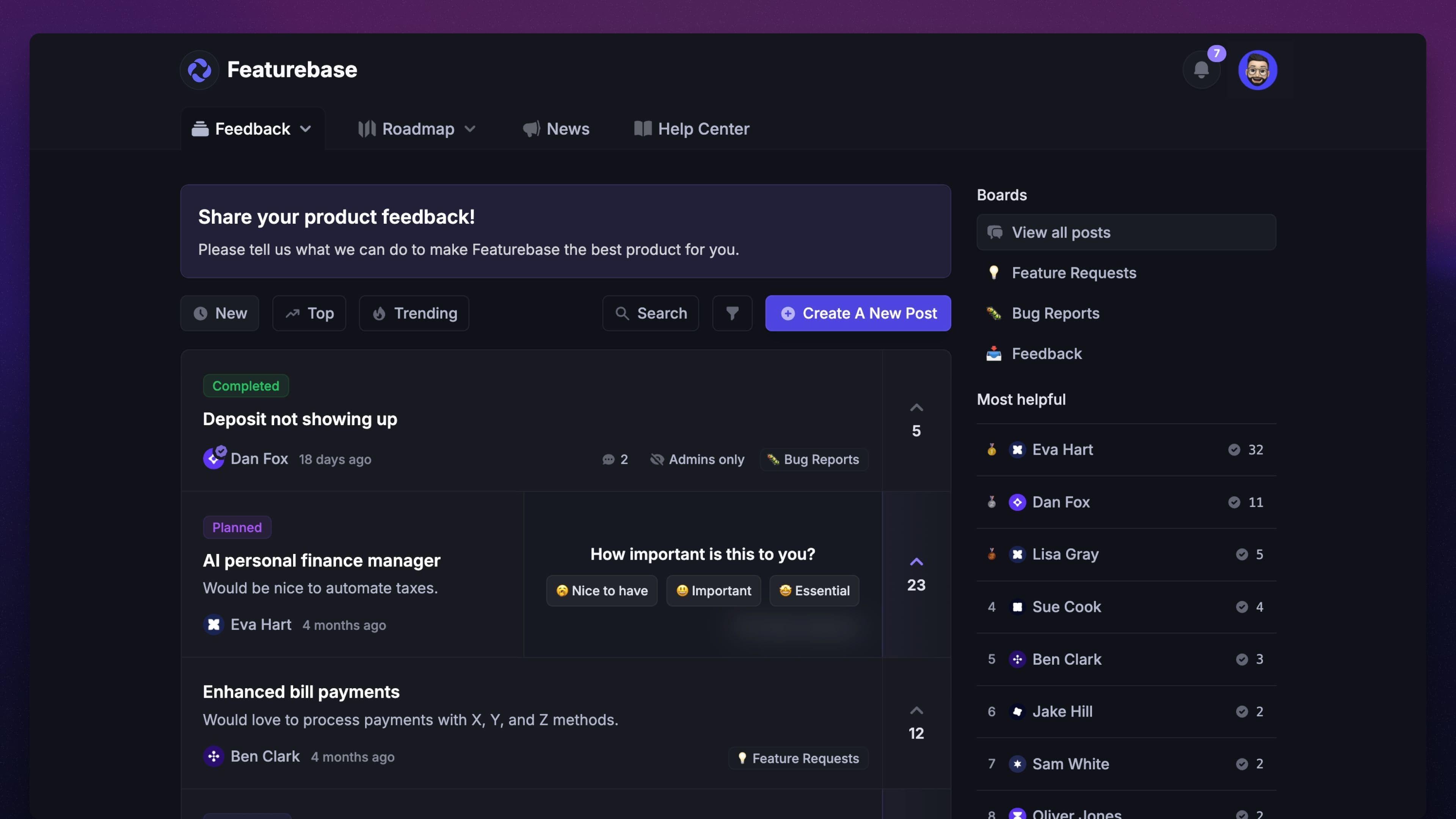
The first method is collecting feedback from a dedicated website (e.g. feedback.yourcompany.com) using the Feedback Portal.
You can share it with users by linking it to a button on your site, app, or through social channels.
The Feedback Portal provides an engaging place for your users to submit feedback and see all of your product-related information, such as the Roadmap, Updates, and Help Center, in one place.
In-app widgets
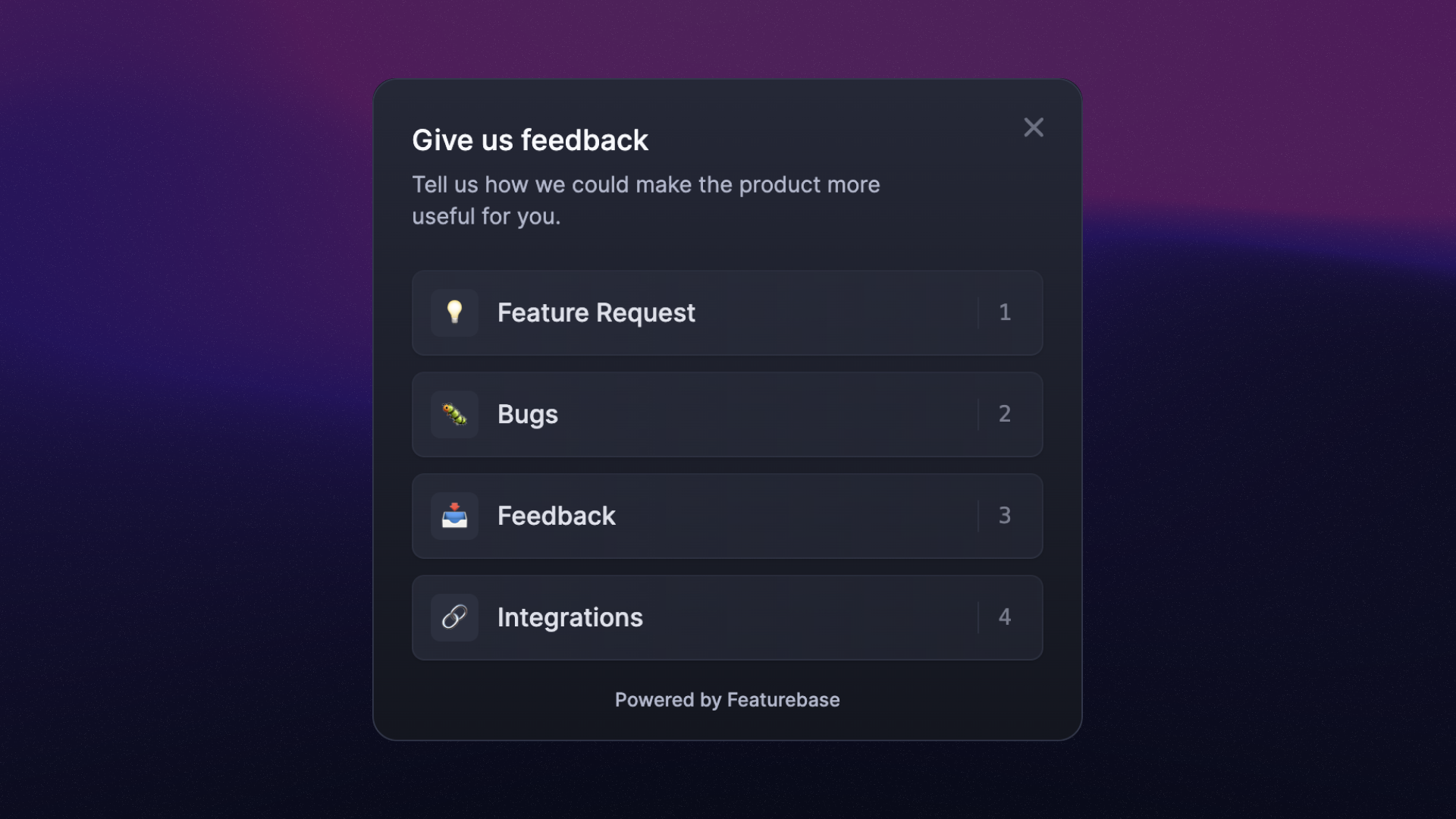
You can also collect feedback straight from your app using embeddable widgets:
Feedback widget - Collect feedback and bug reports, with optional screenshots
Messenger - Provide live chat, Help Center articles, feedback collection, and Updates inside your app
Embedded Feedback Portal - Let customers submit Requests and vote without leaving your app
Integrations

Since you’re likely getting feedback from many channels, we offer different integrations to help consolidate everything into one place.
Here are the main ones that help with feedback collection:
Automatically authenticate users & sync their data

By default, your users need to create a Featurebase account using their Google account or with a password and email. But, the best way is to automatically log users into Featurebase and widgets without them having to create a new account.
This setup also syncs their data so you can prioritize Requests using customer revenue, company information, and user segments.
Here are the 3 ways of authenticating & syncing user data:
SDK - Best for seamless logins and data syncing but requires users to visit from your app. It’s convenient because it automatically imports data as users interact with your app. However, users that come directly from the web are not authenticated.
Single Sign-On - Seamless login for users who come from your app, while also letting users who visit directly from the web login with your company’s existing account. Ensures that users never have to create a Featurebase account.
There’s also our API, but it’s more complex and often just used for the initial import of data, with ongoing syncing managed through SDK or SSO. If you happen to use Segment, then we also have an integration to sync data through them.
SDK is available starting from our Starter Plan, while Single Sign-On and API are available from our Growth Plan.
👨💻 You'll need to write custom code for these processes. If you're uncomfortable with this, share these guides with a technical team member who can assist.
Set up Roadmaps

Roadmaps are powerful for visualizing and sharing your product's progress both internally and externally. You can create highly customized roadmaps - whether it's for internal planning, public transparency, or anything in between.
Similarly to the Feedback Portal, users can submit ideas and vote on Requests here. If you use an issue management tool like Linear or Jira, our integrations can automatically sync your development queue with the roadmaps.
Get started with roadmaps: Creating & editing roadmaps
Request and comment moderation

Use Request and comment approval to review public submissions before customers can see them. This helps you keep sensitive information and unwanted content off the Feedback Portal.
Was this helpful?
Still need help? Ask the team