Share product updates
This is your one-stop guide to getting started with sharing product updates with Featurebase.
Written By Markus Palm
Last updated 5 days ago
Migrating from other tools? Import your changelogs in minutes.
If you’re migrating from other tools, import your changelogs.
Overview
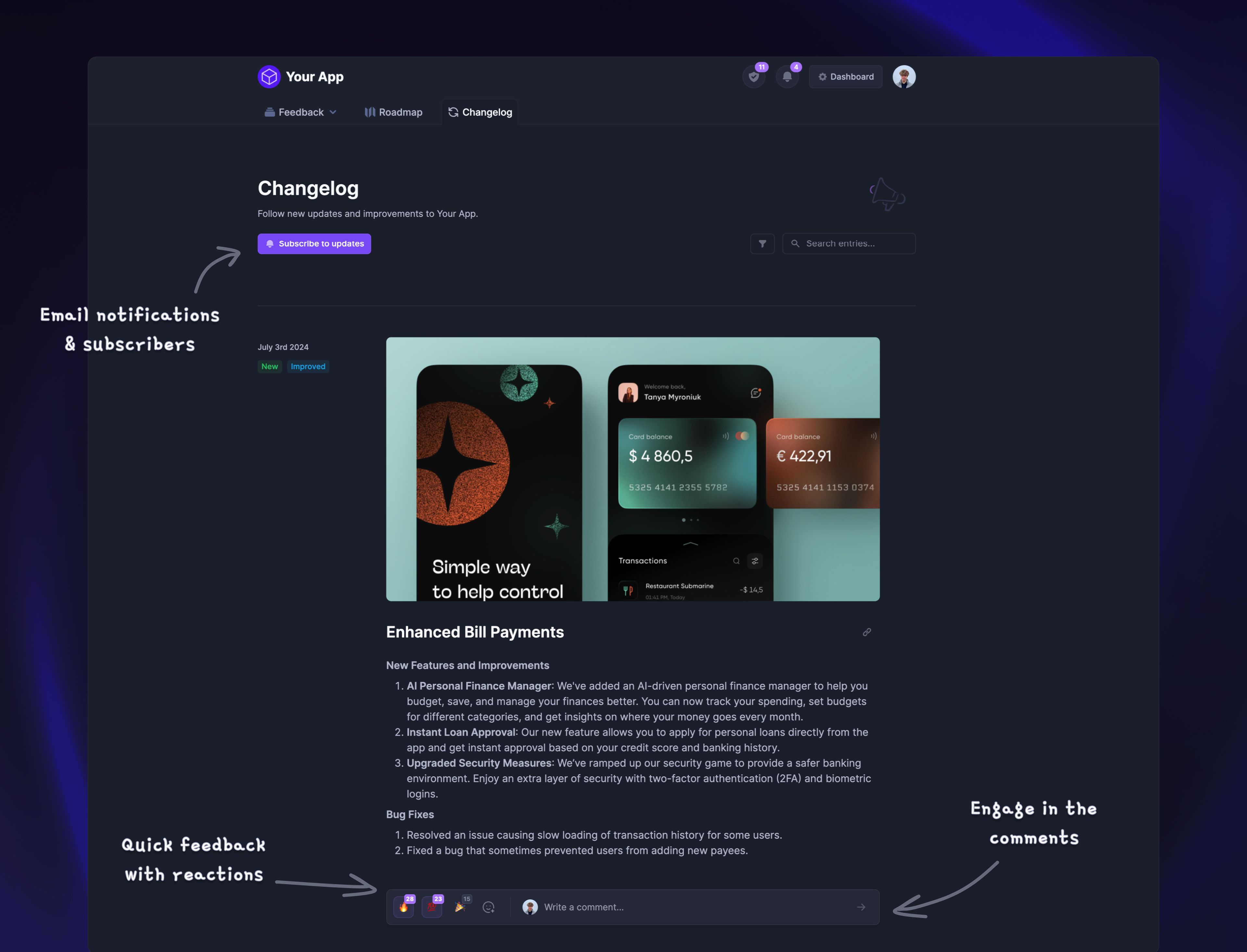
Changelog is a useful tool that lets you publish product updates for your users to see in one place. This keeps everyone updated and shows that you are continuously improving and listening.
All end-users whose email addresses you have in Featurebase are automatically subscribed to the changelog to receive email notifications about the latest releases. You can also embed the changelog into your app or website using different available methods.
Subscribing users for email notifications
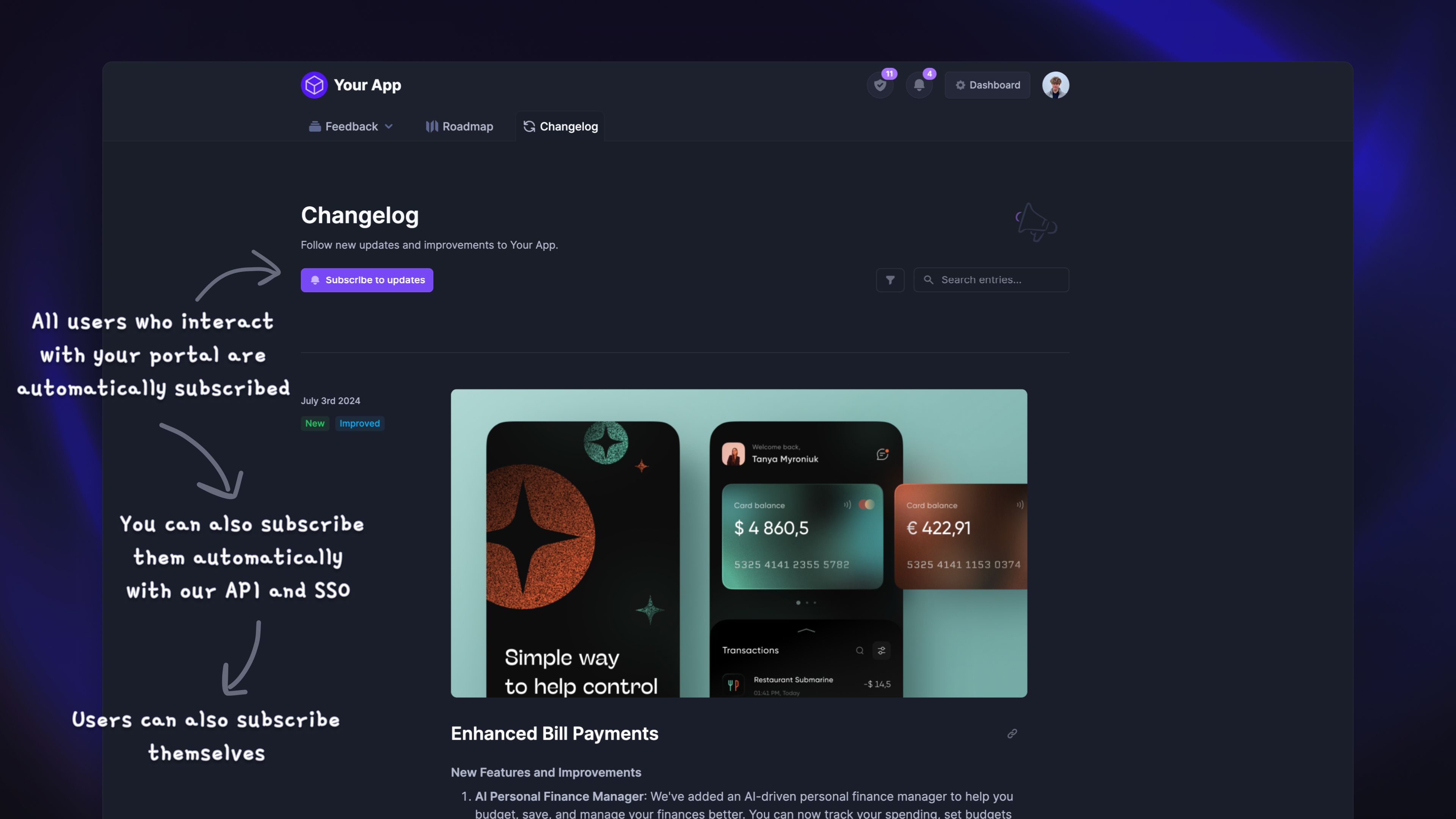
Subscribing users to your changelog sends them email notifications about new releases. This is one of the most impactful setups you can take for your changelog’s success!
By default, Featurebase automatically subscribes all end-users to changelog emails if you have their email address. This includes users who you’ve synced to Featurebase, interact with your portal, or contact you through support chat. The goal is to make sure important updates reach your users without extra setup.
Sync your customer data to Featurebase: Tracking user data
Creating changelog posts
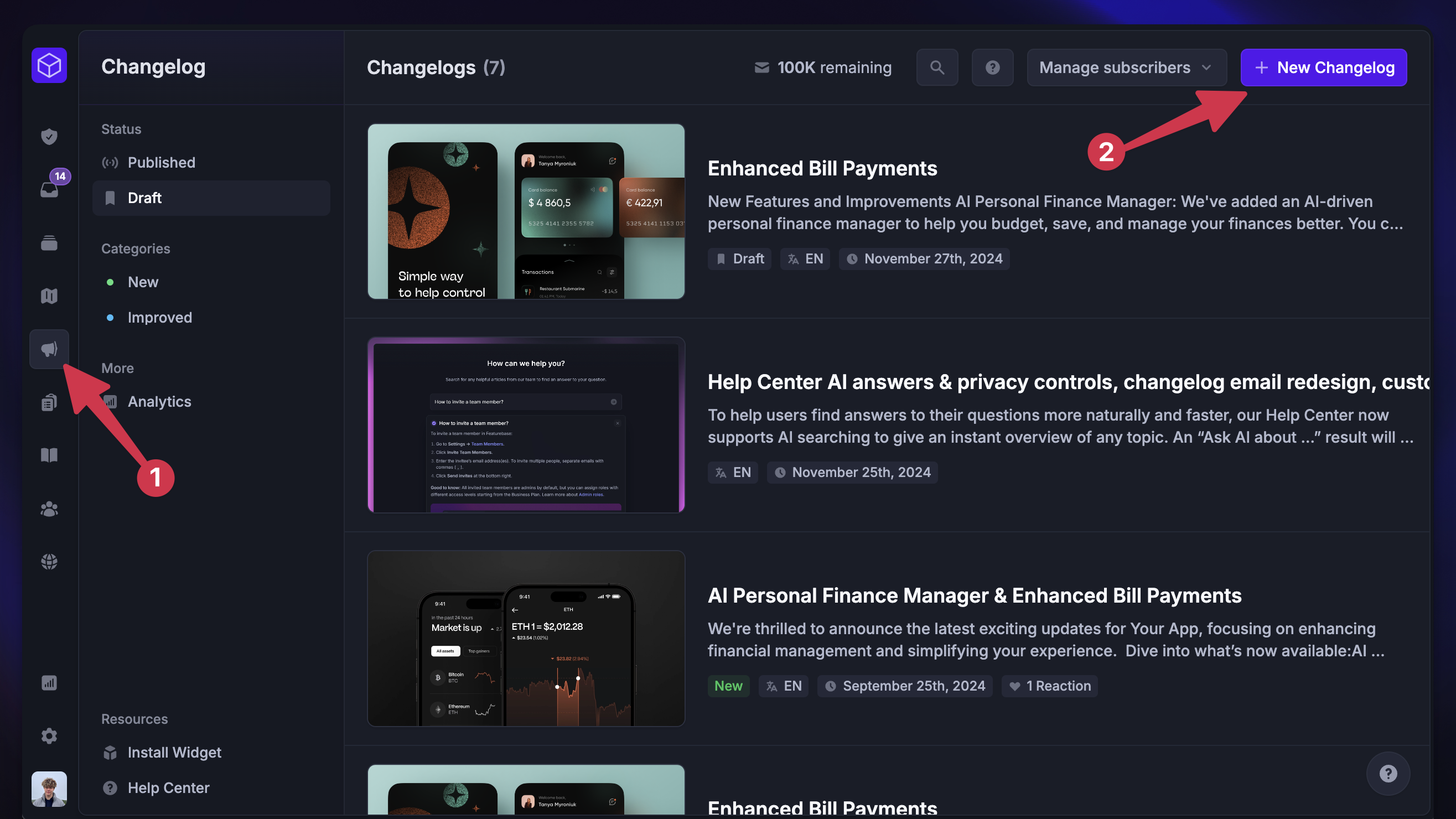
Learn to create and schedule new product updates with the Changelog. You can also let AI write the changelog for you, based on completed posts since your last release: Creating changelogs (+ AI writing)
Sharing your changelog
There are three different ways to integrate the changelog into your product:
1. Add a link
The easiest way to share your changelog is to link it to a button or a text in your app. Just copy the URL of your live changelog (e.g. https://feedback.yourcompany.com/changelog) and paste it where you like on your page or app. You can also share it on social media.
Tip: Many of our customers like to feature their changelogs in their marketing page’s footers and product menus.
2. Changelog widgets
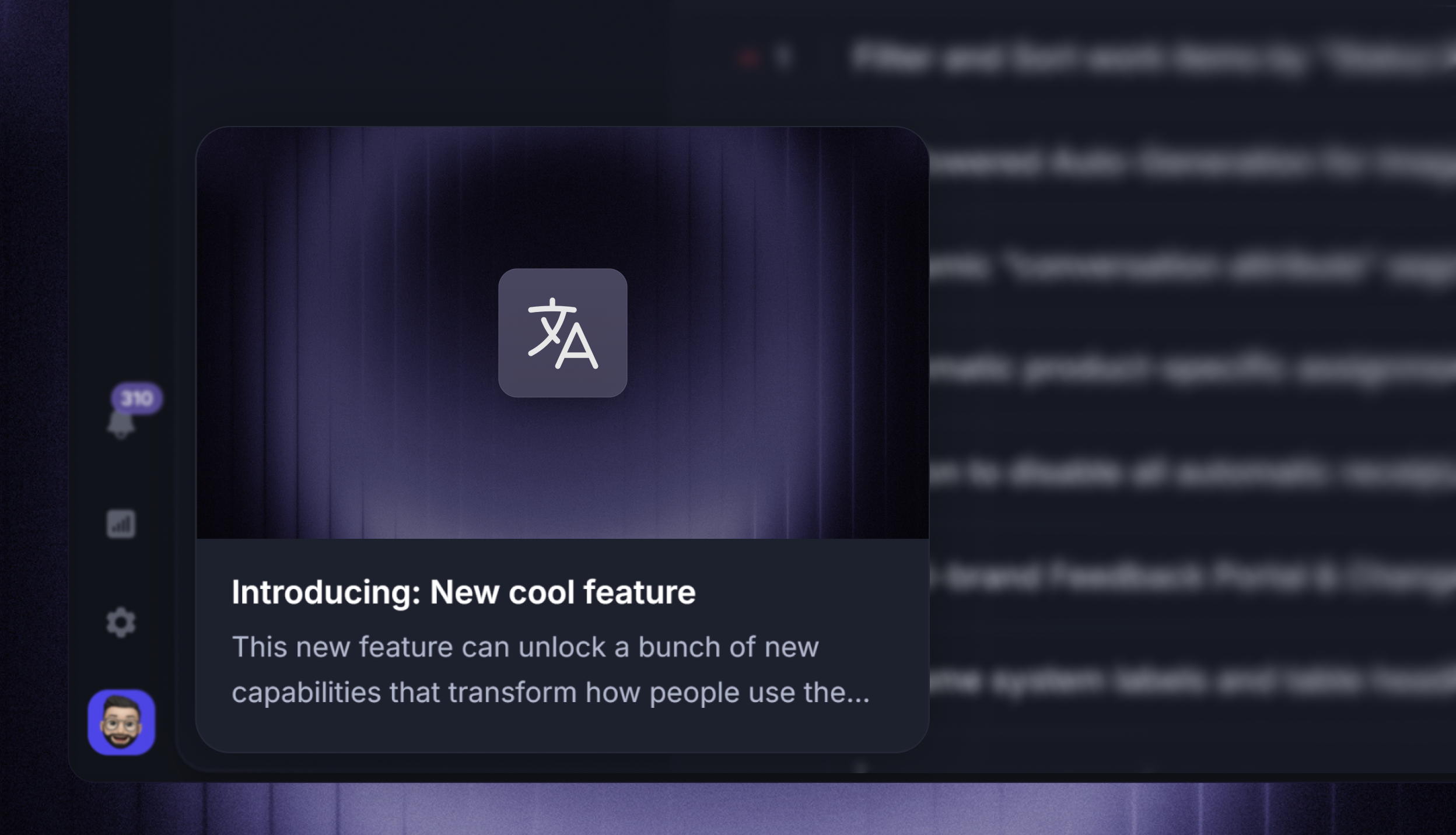
The second way is to use our neat Changelog widget & popup to show the latest updates straight from your app.
This is great because it means users don't need to leave your app to see updates. Plus, they can be toggled to automatically show users fresh updates when they enter a page.
Learn to set it up: Install Changelog Widget
3. Embedded changelog view
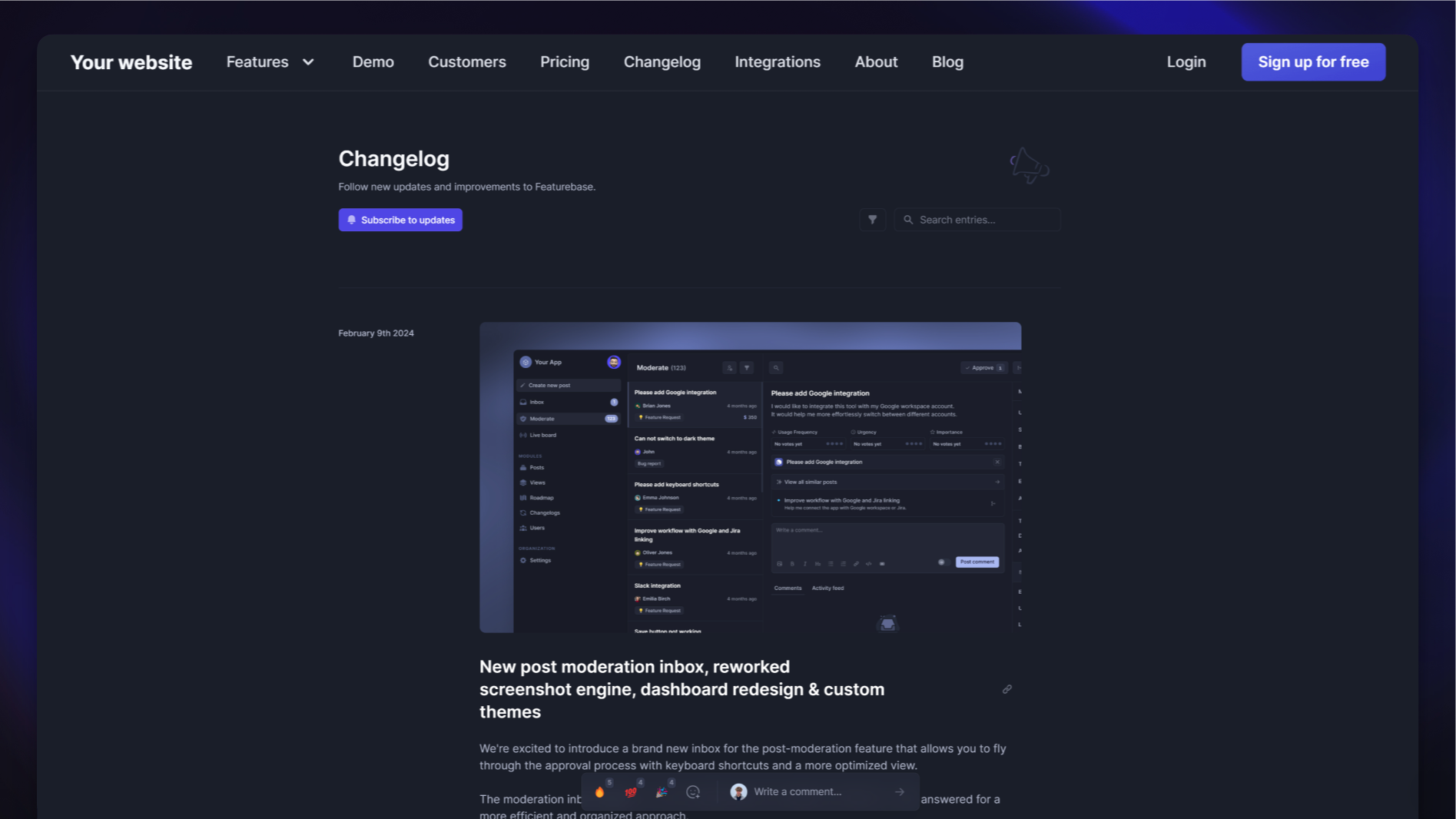
The last method is embedding your changelog directly into your app in its original form, allowing users to see all of your product updates.
Here's how to set it up: Embed Featurebase
Controlling access
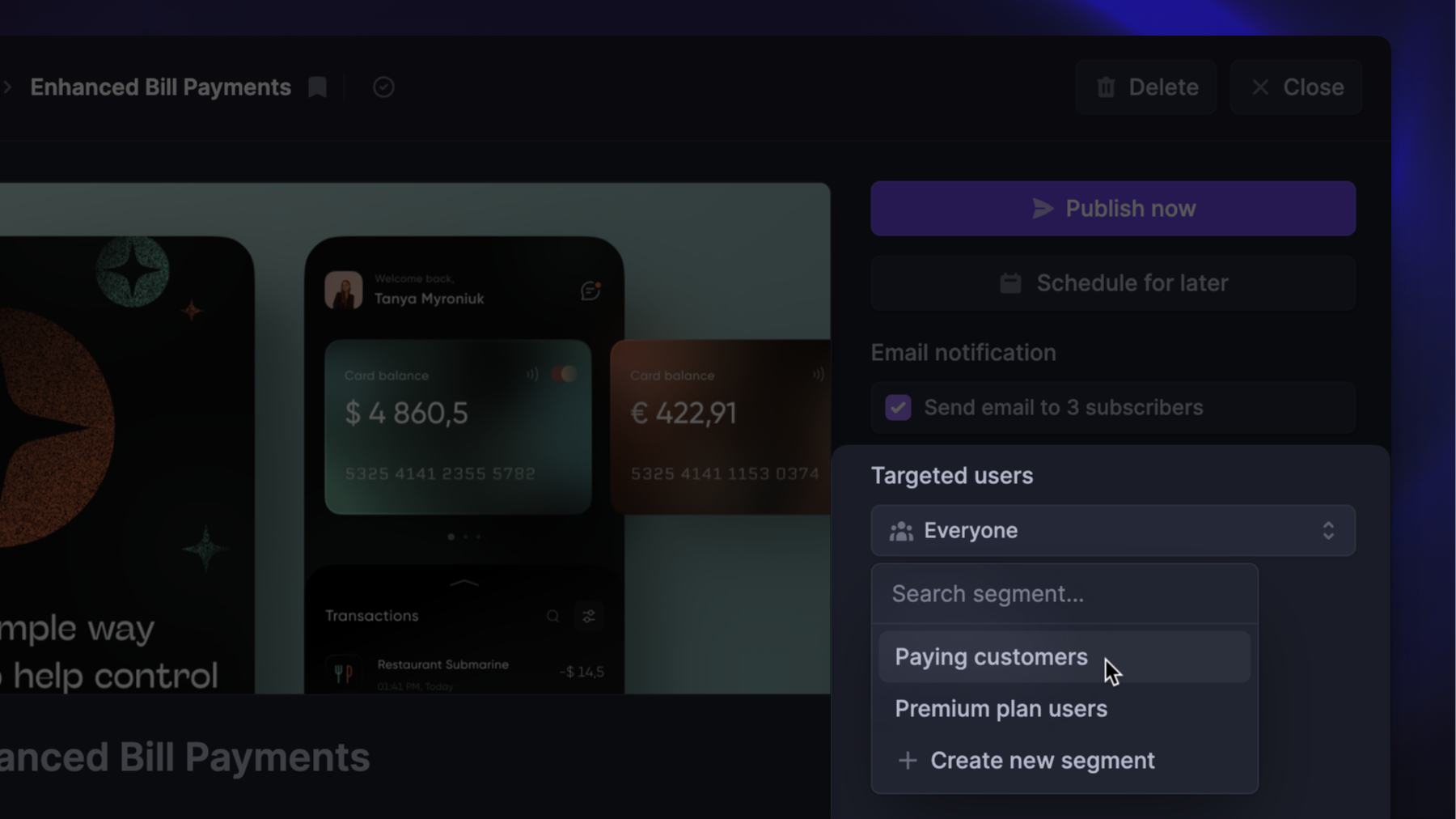
You can make your Changelog accessible only to authenticated end-users, or limit the access of certain updates to team members or select user groups: Changelog privacy controls
Multilingual changelog releases
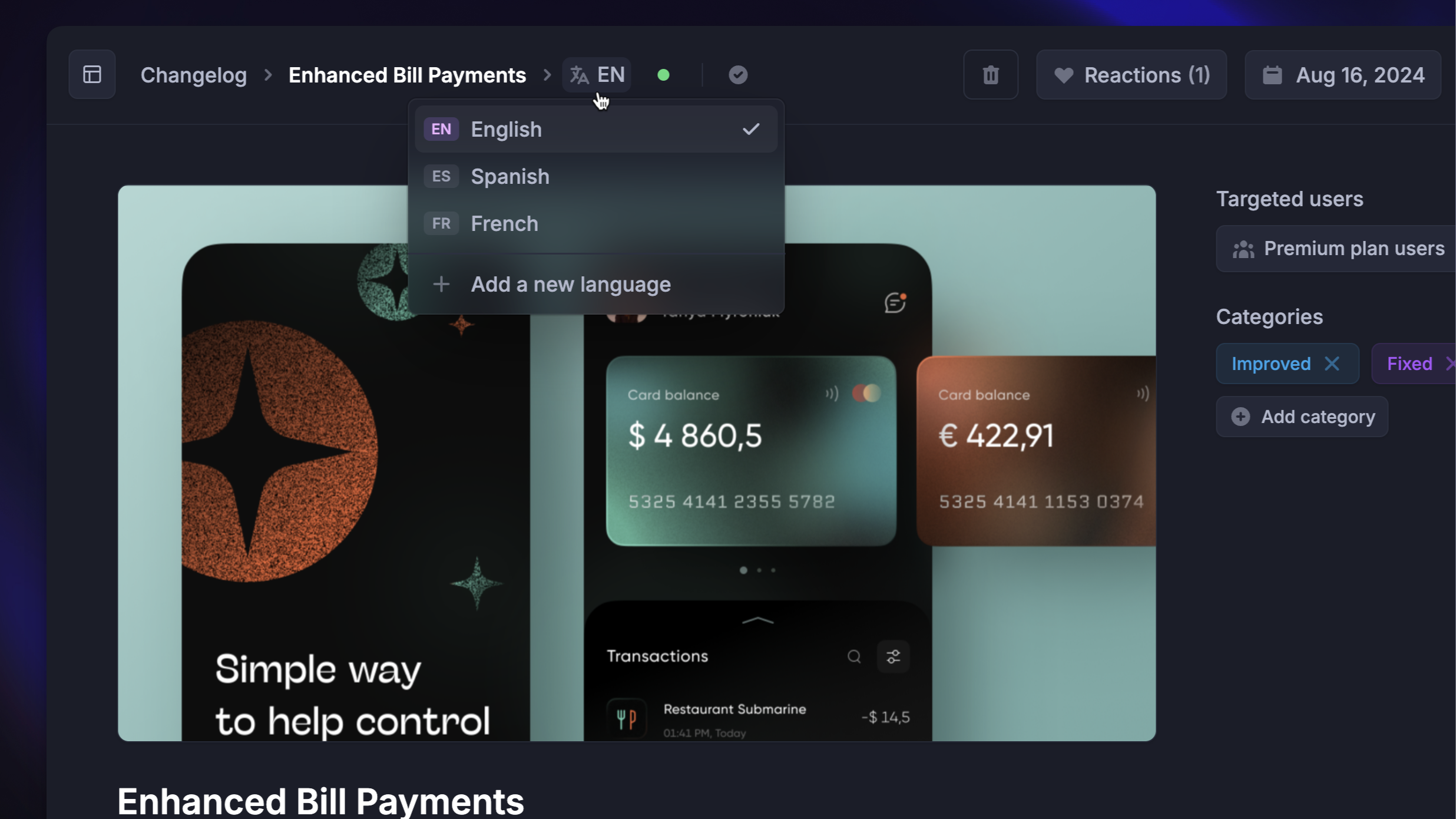
You can set up your Changelog to support multiple languages and publish updates in your customers' native languages.
The public changelog page automatically defaults to the users’ language based on their browser’s language settings. They can also switch between languages manually.
Learn to set it up: Changelogs in multiple languages
Was this helpful?
Still need help? Ask the team