Featurebase overview
Get familiar with Featurebase and all of the basic concepts.
Written By Markus Palm
Last updated 13 days ago

Overview
Use Featurebase to support customers, answer questions with AI, collect feedback, and share product updates.
This guide introduces the Support and Product suites. Use the links below to start setting up the products you need.
What Featurebase helps you do
The Support Suite
The Support Suite is used by customer support & success teams to support customers across different channels, automate support with an AI agent, and more.
Support customers
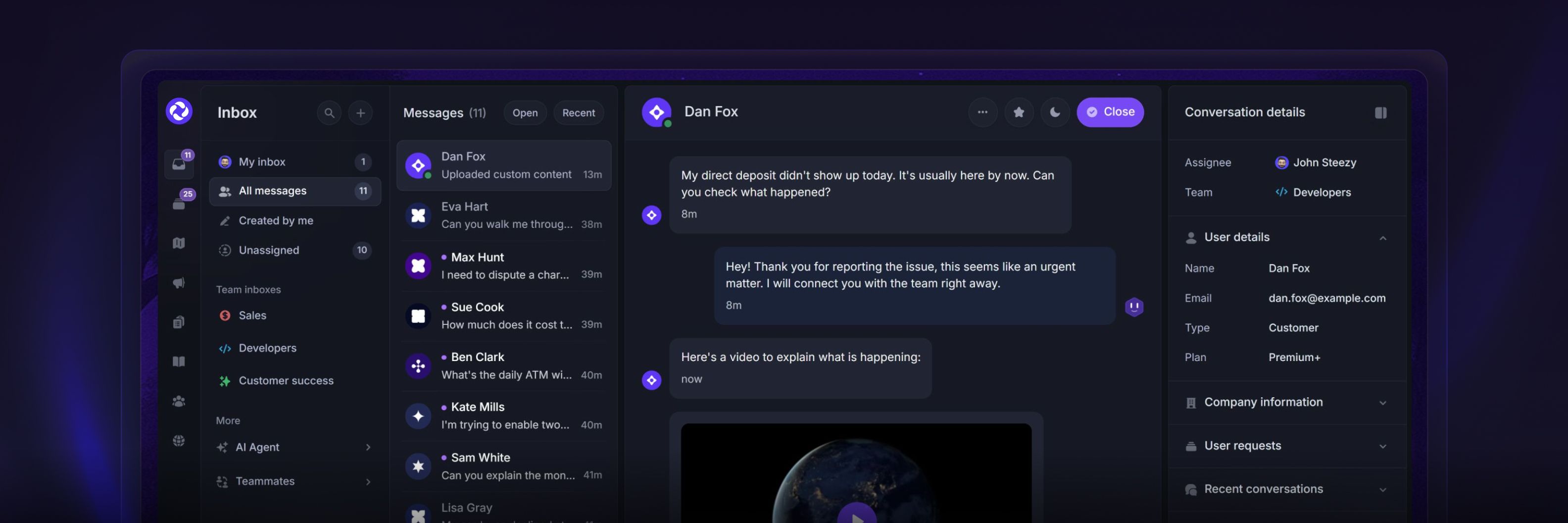
Support customers through Messenger, email, and Slack from one Inbox.
Draft replies with AI, turn customer messages into Requests, and reference help articles from the same conversation.
Use the iOS and Android apps to receive notifications and reply while away from your computer.
Get started: Support your customers
Resolve issues with Fibi AI

Fibi AI Agent answers customer questions from the knowledge sources you enable. Configure actions for tasks such as checking an account or updating customer information.
Keep your knowledge sources current and test Fibi before using it with customers.
Get started: Fibi AI Agent overview
Automate repetitive tasks
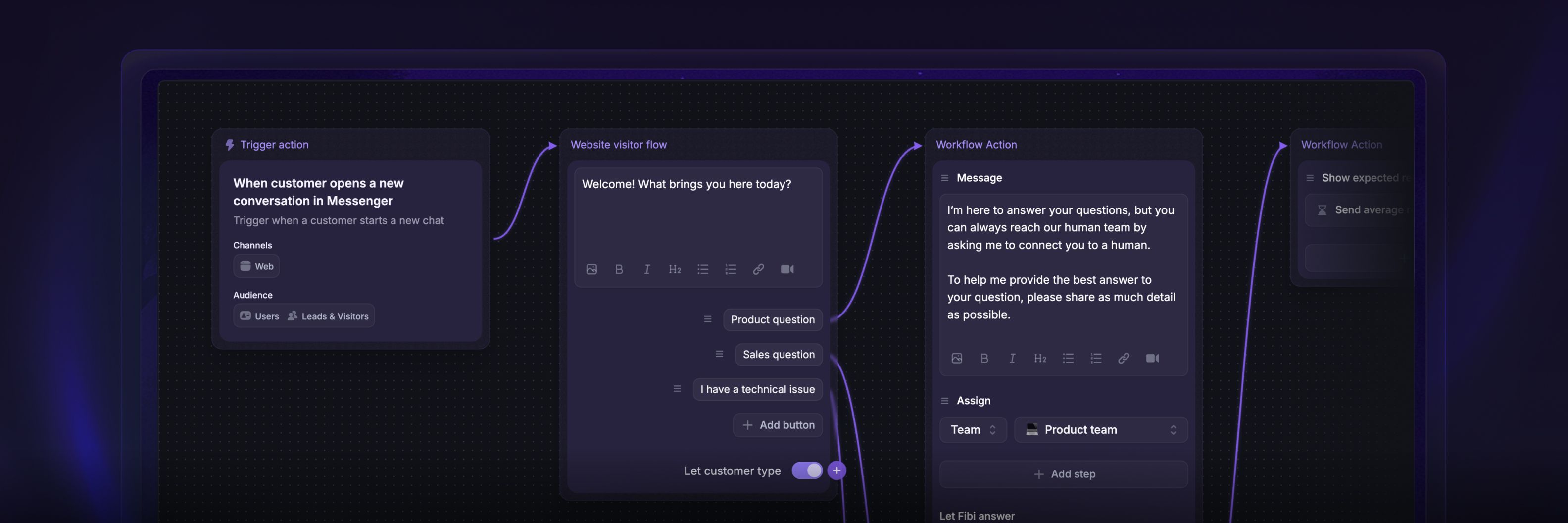
Use Workflows to automate support tasks with a visual builder. Start from a template or create your own workflow.
For example, route conversations to the right team, qualify leads, or send onboarding messages.
Get started: Workflows overview
Provide self-serve support
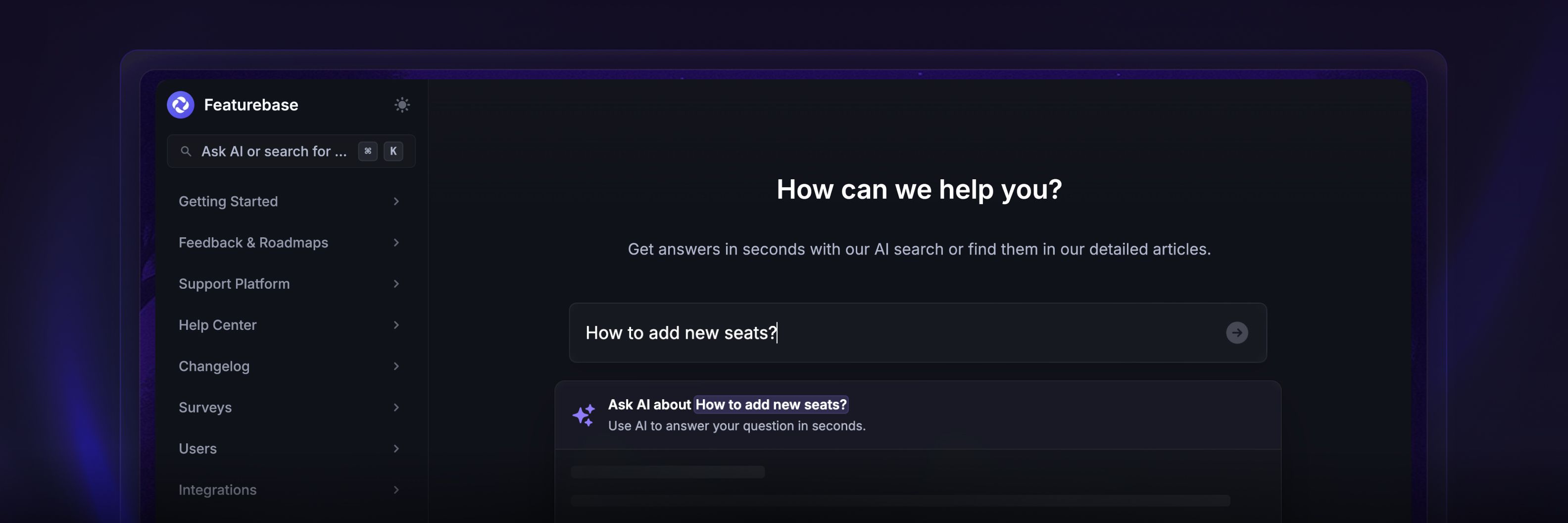
Publish customer help on a dedicated Documentation site and make articles available through the Messenger.
Documentation brings together Help Center articles and API documentation. Publish an API reference from an OpenAPI spec and organize it alongside your help articles. You can also mention help articles in customer conversations, Requests, and Updates.
Get started: Set up the Help Center
The Product Suite
The Product Suite is used by product & GTM teams to collect user feedback, identify impactful product opportunities, and scale faster by building the right features.
Centralize feedback
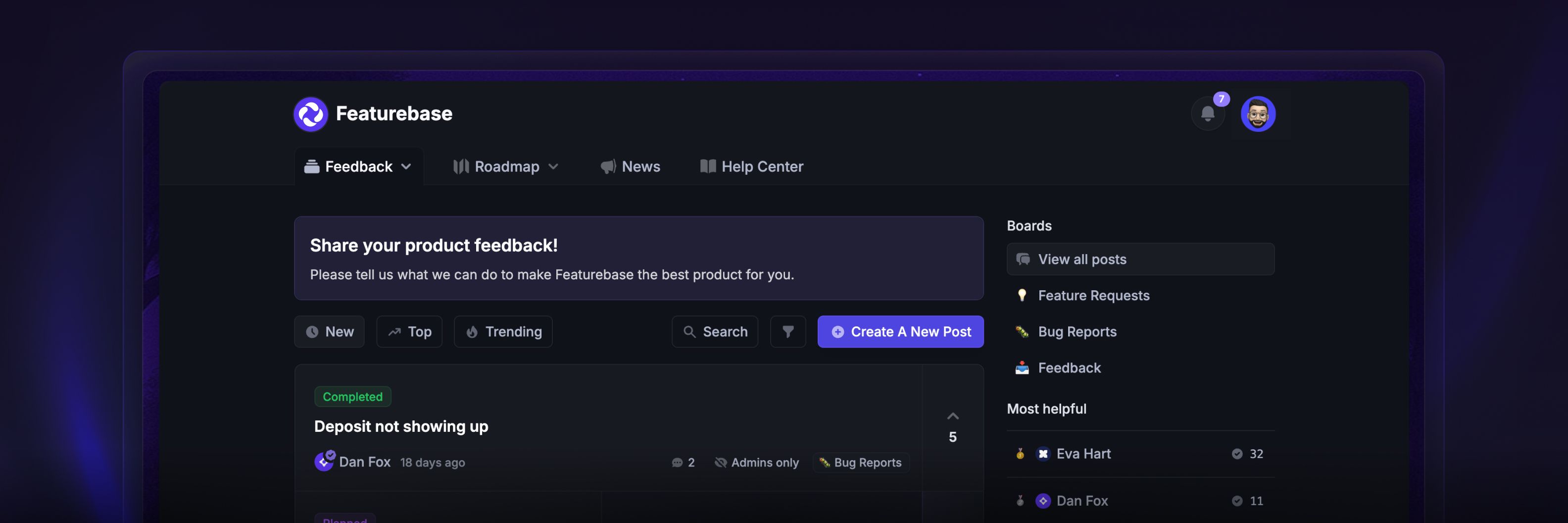
Collect and organize feedback from your Feedback Portal, in-app widgets, surveys, and integrations.
Customers can share ideas, vote on Requests, and discuss their needs. Use surveys to collect structured feedback, including NPS and CSAT.
Get started: Collect & manage feedback
Prioritize feedback
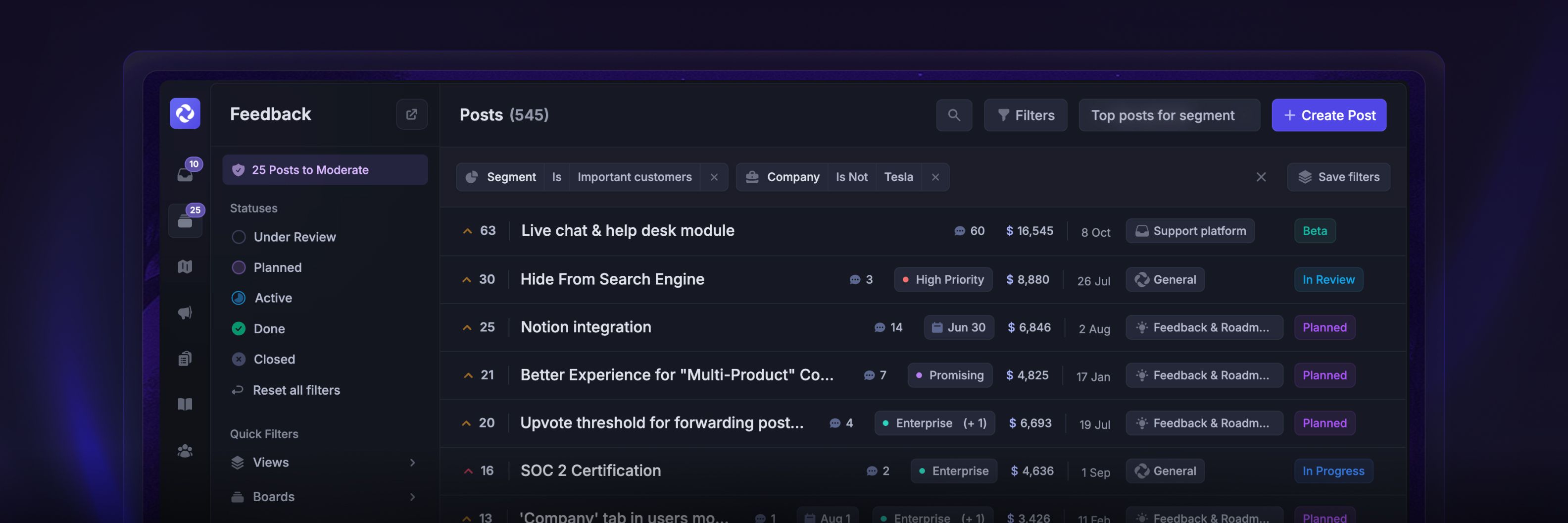
Prioritize Requests using filters, customer revenue, and prioritization frameworks. Use these signals to compare customer needs and decide what to build.
Keep customers informed with Request status updates.
Get started: How to filter & sort feedback
Communicate product updates

Share completed work through Updates, automated emails, and in-app widgets.
You can also have a public roadmap to provide a quick overview of the work that’s been completed and what's ahead. It can be synced with Linear, Jira, and other tools. Link relevant Updates to show customers what changed.
Get started: Share product updates
Manage all customers
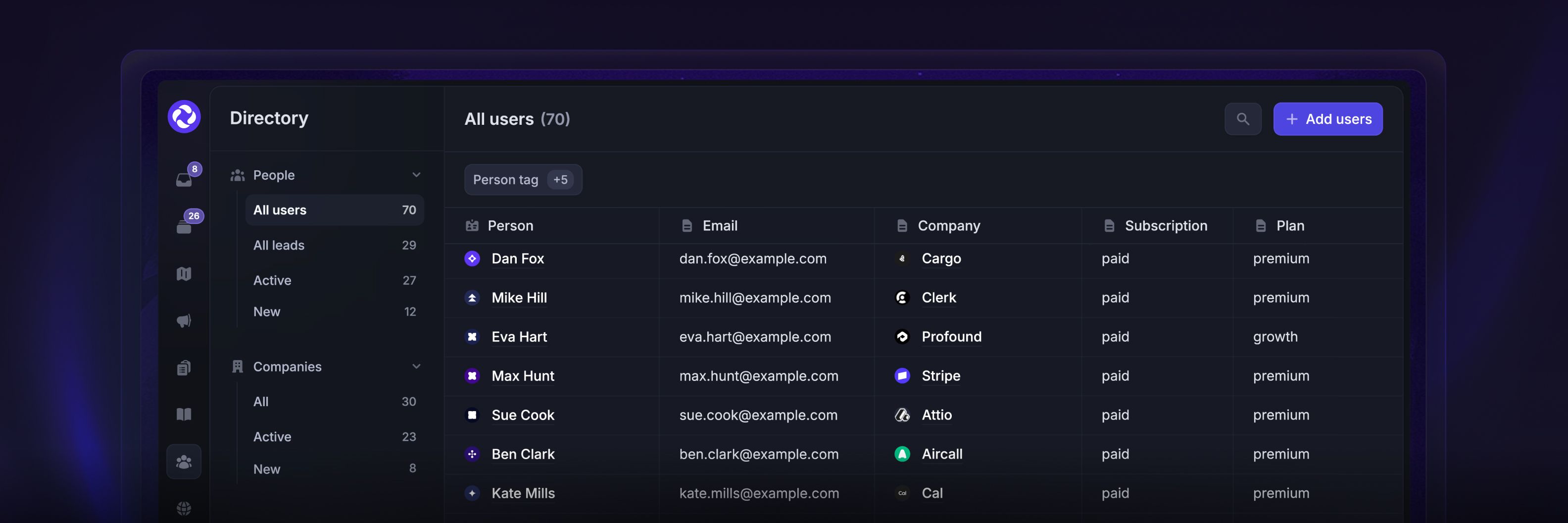
The Users directoryshows your customers and their activity in one place. You can see individual users’ or companies’ support conversations, Requests, and more under their profiles.
You can sync custom data and create user segments based on various rules, then use them to run targeted campaigns, filter feedback, limit access to certain help articles, and much more.
Get started: Tracking user data
Get started
Start with Support your customers or Collect & manage feedback, depending on your first task.
Was this helpful?
Still need help? Ask the team