Workflows overview
Create Workflows to automate your support at scale. Automate processes for your customers and teammates with our drag-and-drop visual builder.
Written By Markus Palm
Last updated 17 days ago
✨ Get started with Workflows from Automations → Workflows
Overview
Workflows gives your team complete control and flexibility to build out virtually any support process you need, right inside Featurebase. Triage, tag, and route conversations instantly, and add Fibi AI Agent to your Workflows to create a personalized customer experience.
No code needed - Anyone can build and deploy automations in minutes with Workflows’ visual builder
Powerful and flexible - Workflows are deeply customizable so you can build personalized journeys that deliver real value for your customers
Built for teams - Deploy Workflows that automate away repetitive processes such as snoozing and closing conversations
Meet your customers where they are - Build multilingual and omnichannel automations that support your customers anytime, anywhere, and in any language
Templates - Leverage dozens of pre-built templates for popular use cases—from support triage to customer onboarding and CSAT.
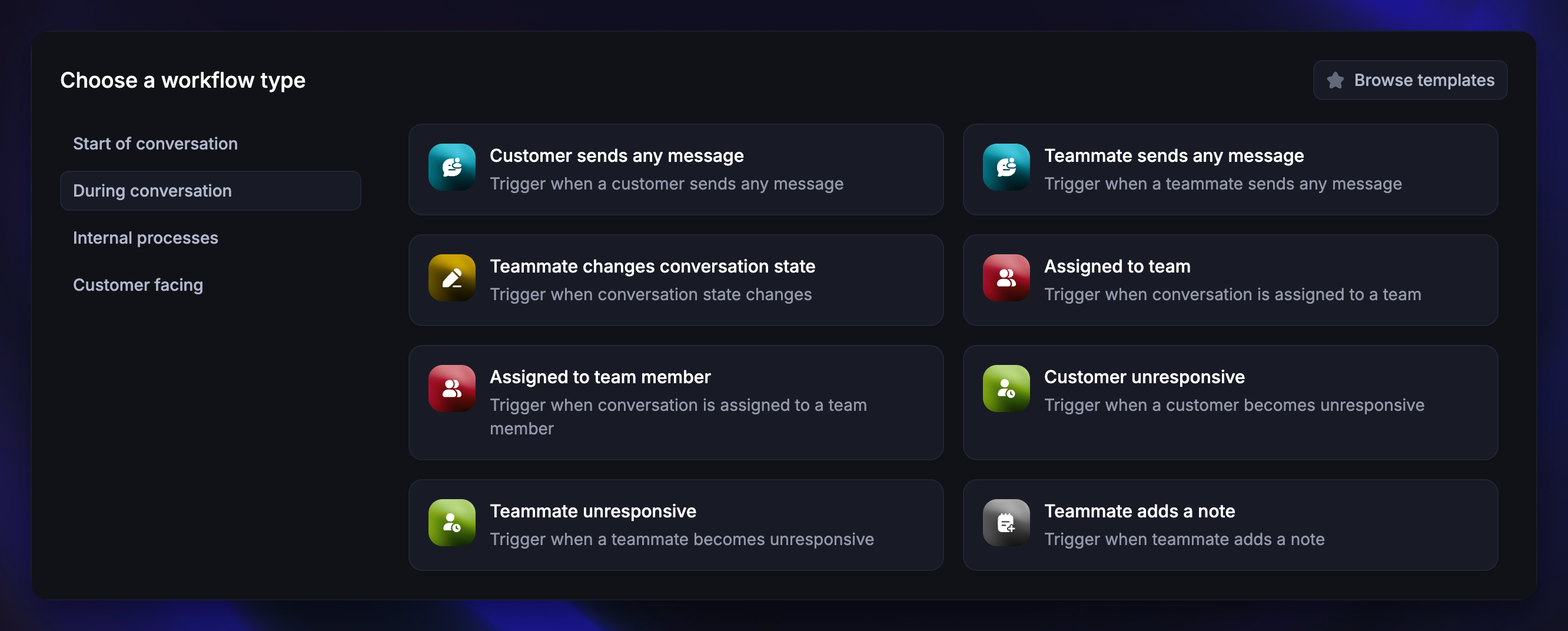
Triggers
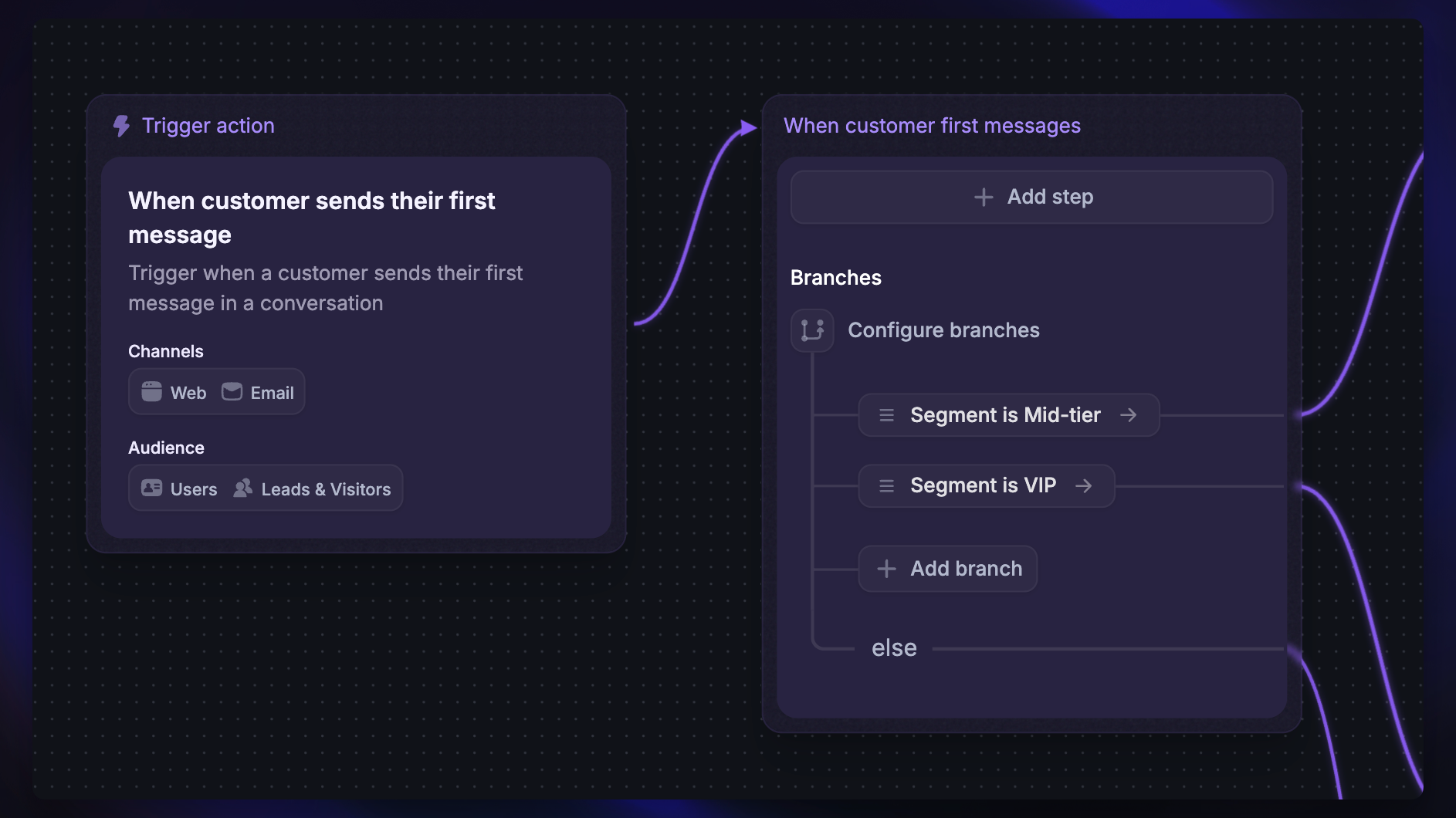
Trigger blocks are the starting point of any Workflow. They determine when a Workflow should run and what data is passed to later blocks.
Triggers can be at the start of a conversation, during a conversation, or even triggered by another Workflow.
Templates
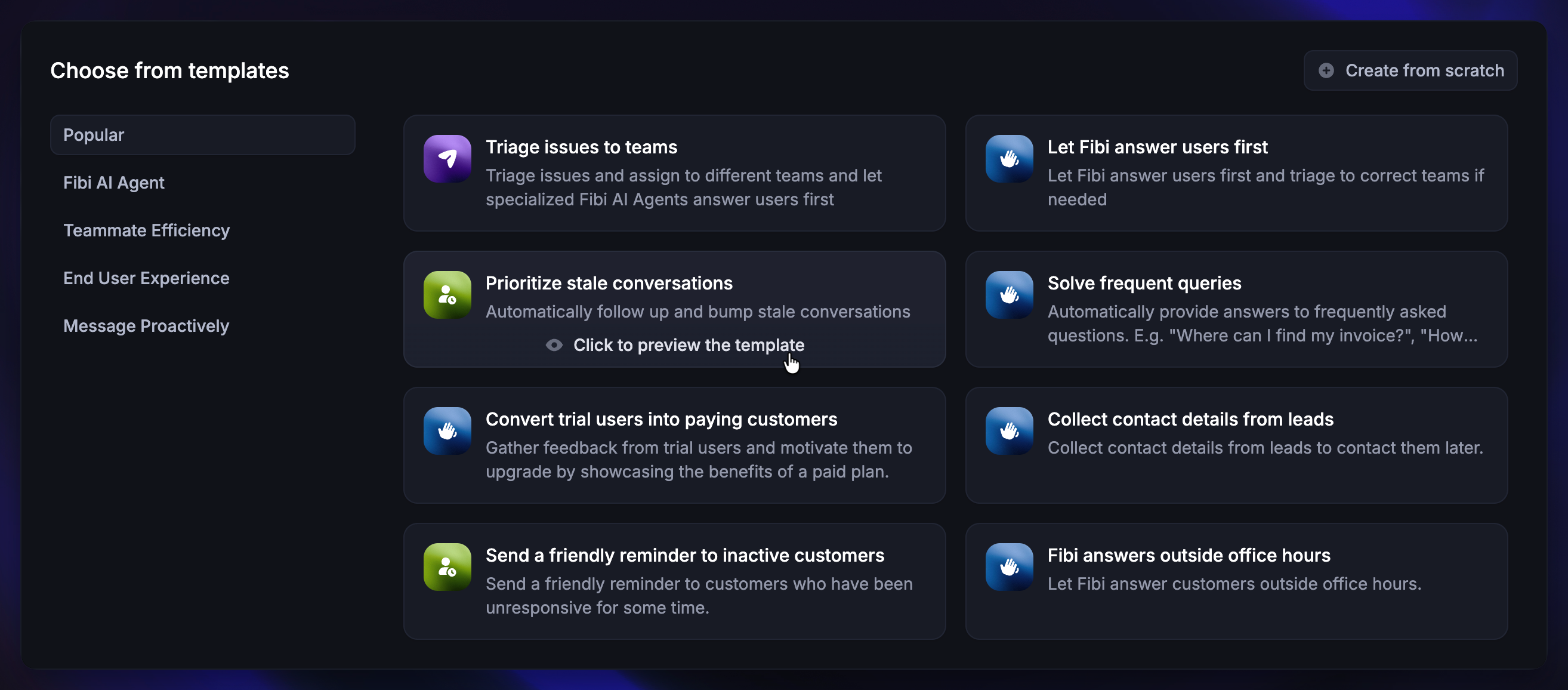
You can choose to build a Workflow from scratch, or choose from our premade templates to quickly design a Workflow based on some common use cases. If you hover over the template cards, you will see the options to preview and use the template.
Workflows Builder
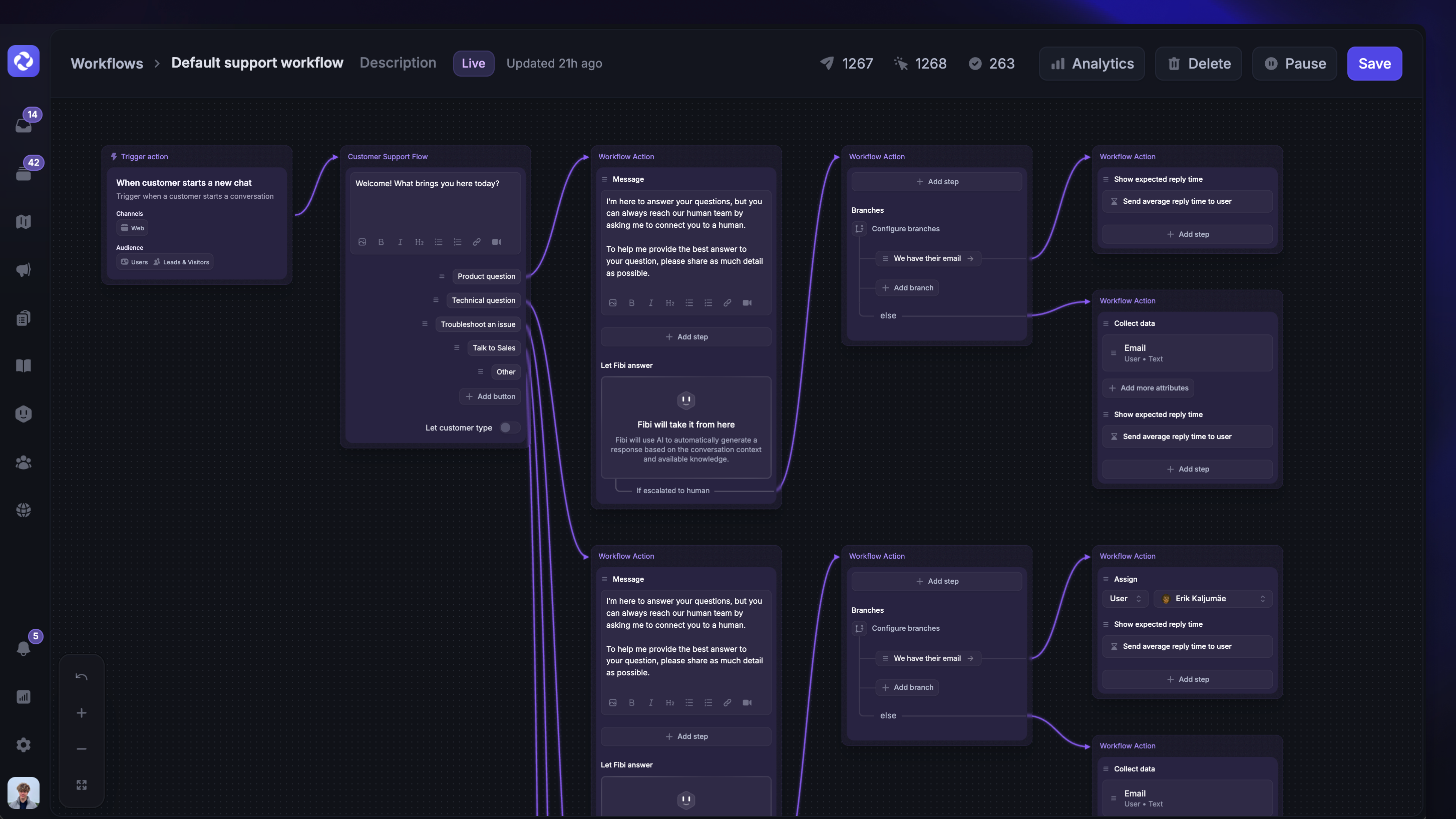
Workflows Builder is the visual canvas where you’ll build the steps that become a Workflow.
Rules
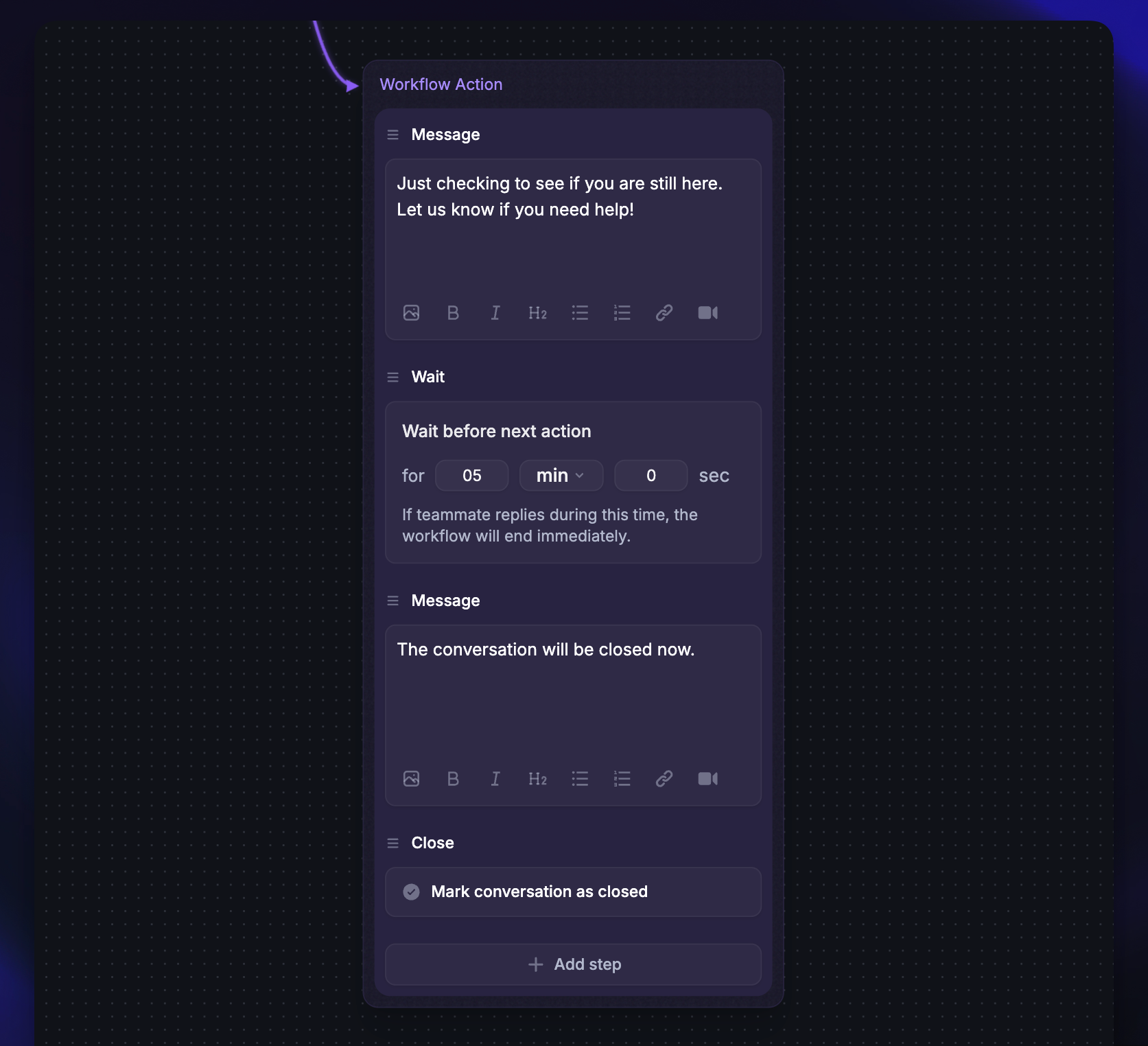
Build your Workflows using rules that aren’t customer-facing and can take actions in the background, such as closing or snoozing inactive conversations in the Inbox.
Conditions
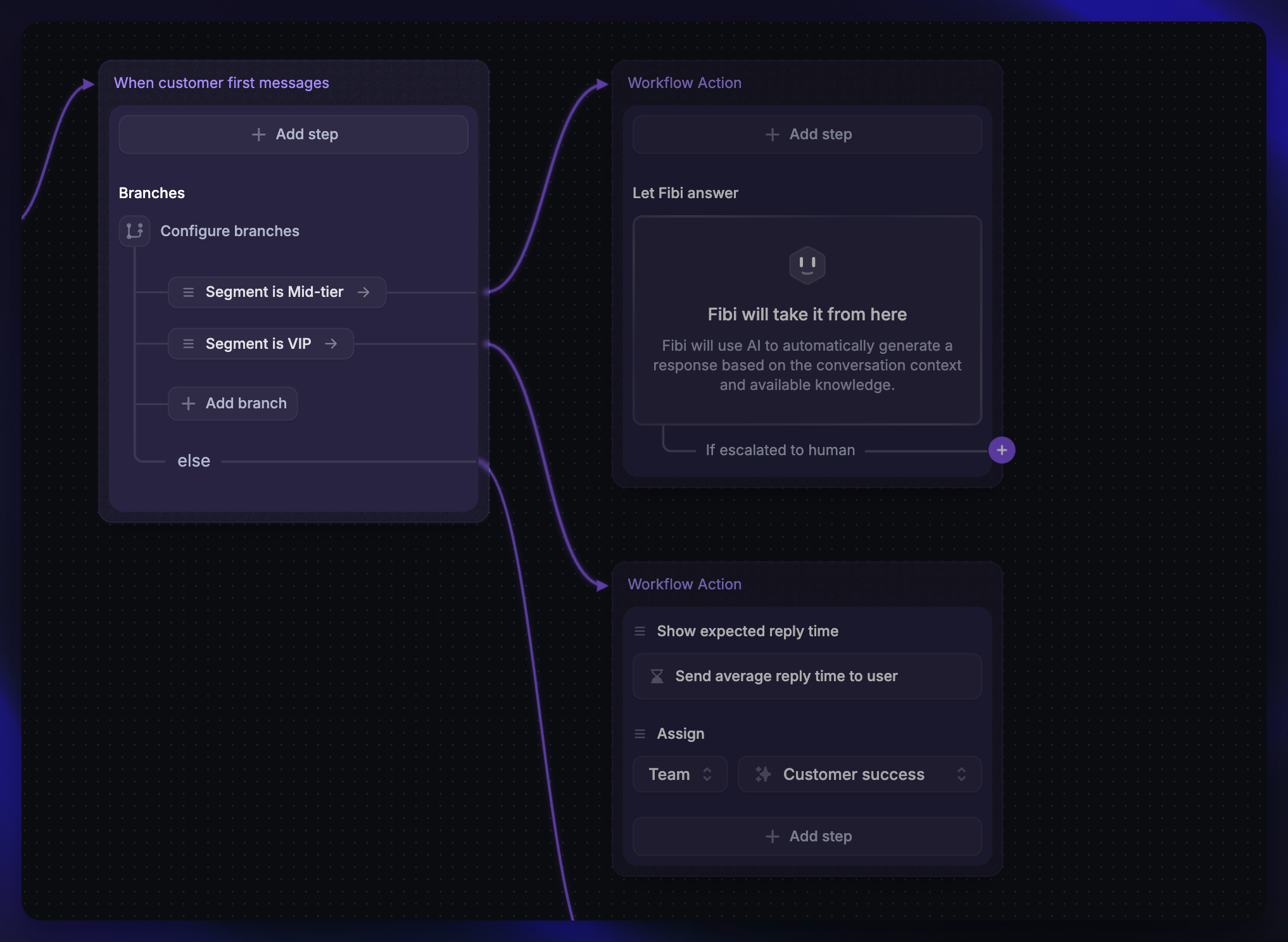
Using Branches, you can configure a workflow to flow to the relevant path depending on specific conditions.
Let Fibi AI Agent answer
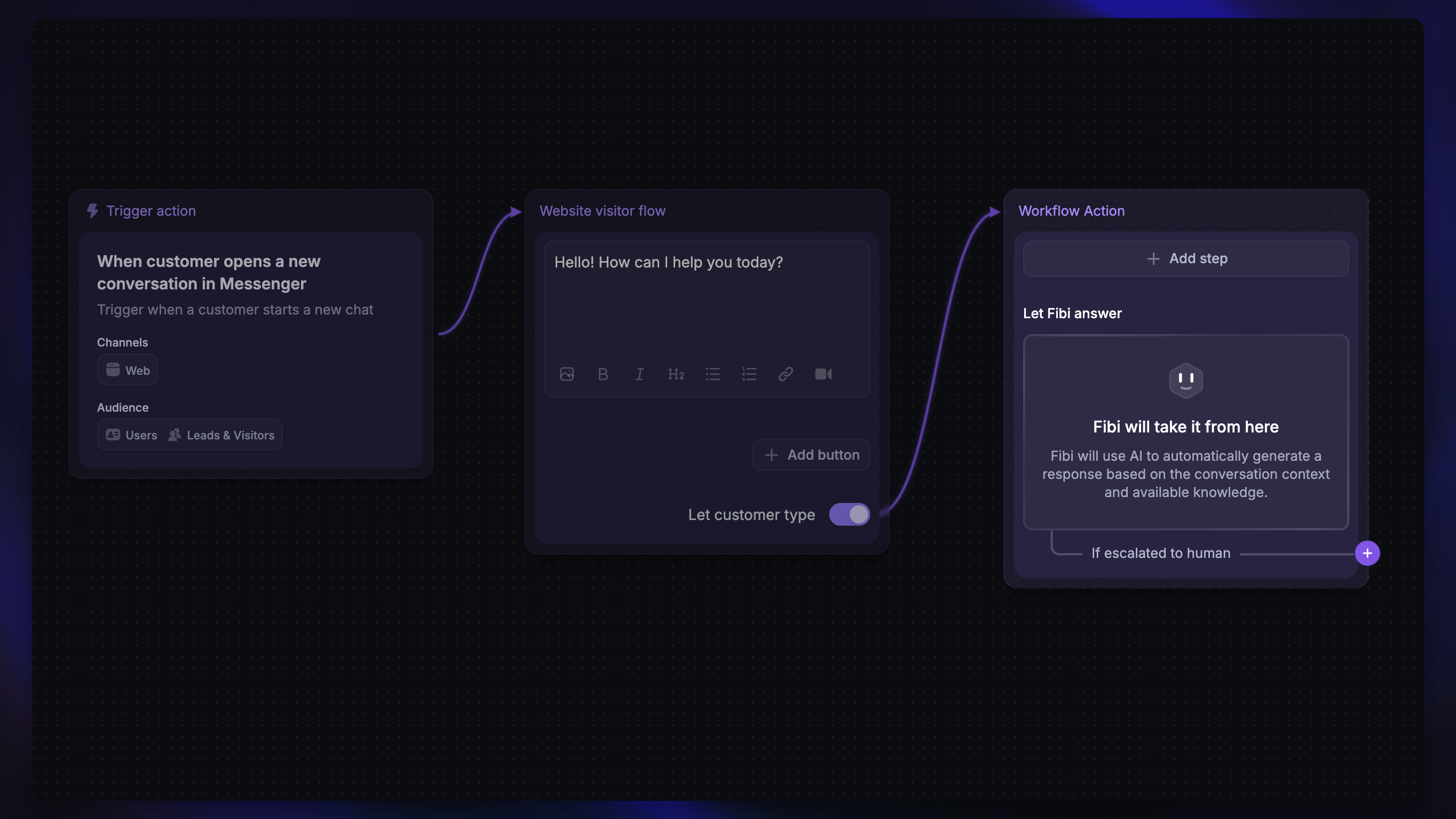
Let Fibi AI Agent jump in and answer customers whenever you choose by adding Let Fibi Answer to your Workflows. You can also configure Fibi CSAT in the Let Fibi answer step to request a rating after Fibi resolves a conversation, before it hands the conversation to a teammate, or in both situations.
Updating attributes
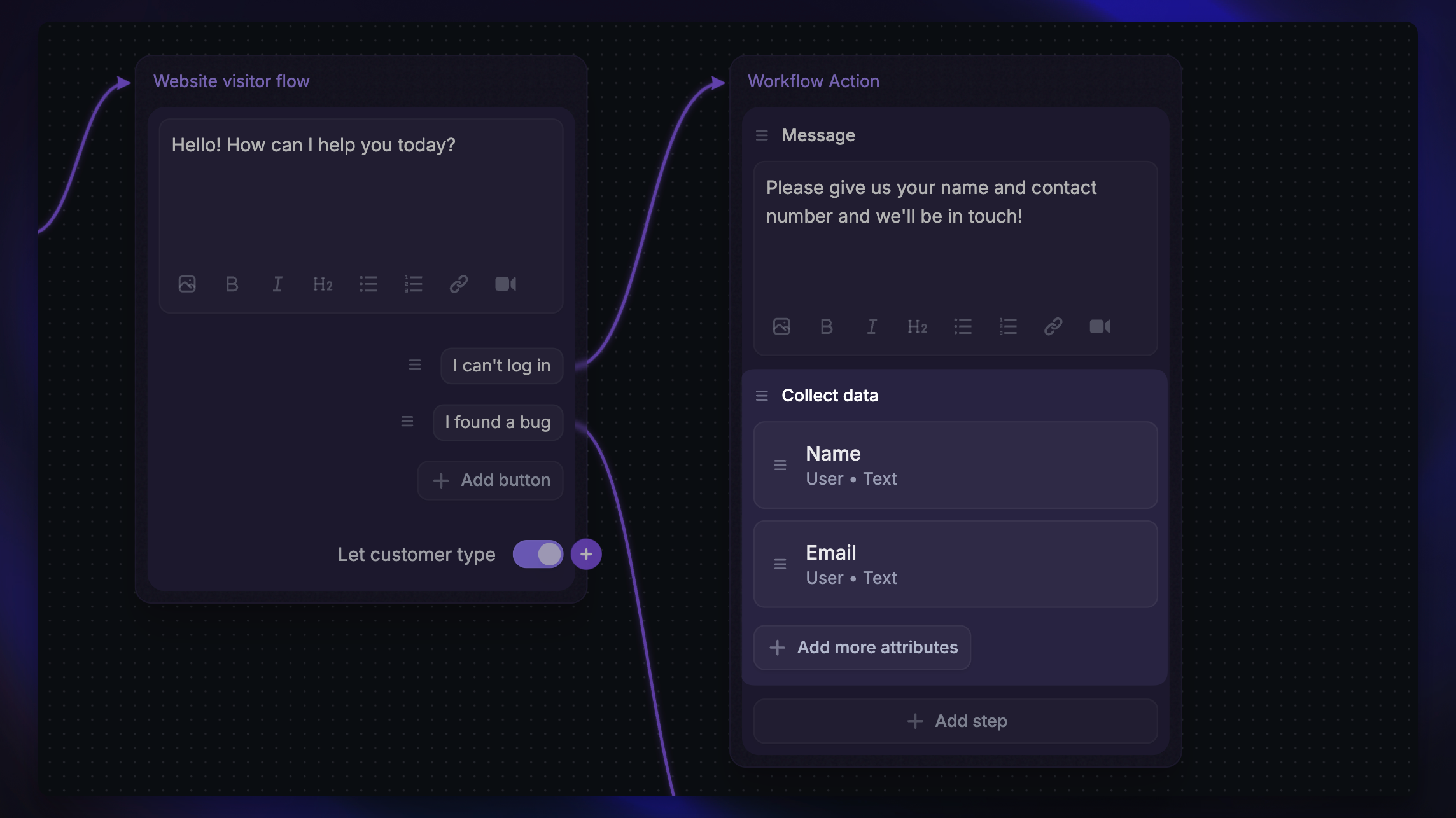
Collect and update customer attributes and conversation attributes, such as contact details, issue type, product area, or urgency.
Mentioning teammates
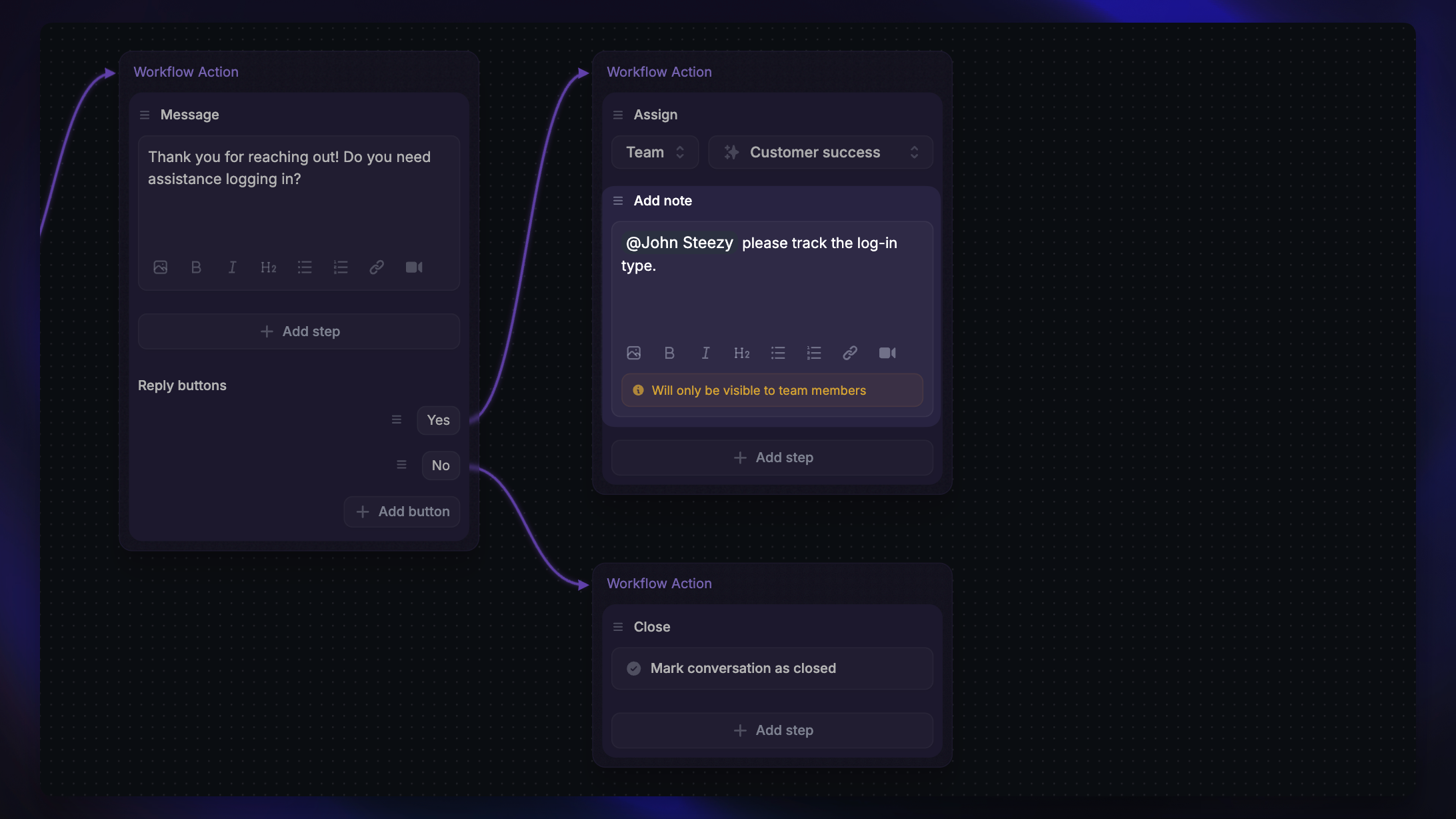
To improve the automation experience, you can mention teammates in Notes using a Workflow.
Was this helpful?
Still need help? Ask the team