Updates

Follow new updates and improvements to Featurebase.

Telegram support channel

Telegram is now a native support channel in Featurebase! Customers message your Telegram bot or write in their Telegram groups, and your team replies from the Inbox.

  • Private chats and groups - connect a bot from Telegram BotFather in minutes, then add it to your customer groups

  • Reply from the Inbox - your replies go back to Telegram, with customer and company context next to each conversation

  • Control what becomes a conversation - open conversations on every message, or only when someone tags your bot

  • AI agent and Workflows - let the AI agent answer new conversations, and route them with Workflows

  • Reply from Telegram too - link your teammates' Telegram profiles, so their messages count as team replies

  • One bot per brand or team - connect several bots, each with its own groups and settings
Start supporting your customers in Telegram β†’

NewSupport suite

Journeys: Automated customer campaigns across every channel

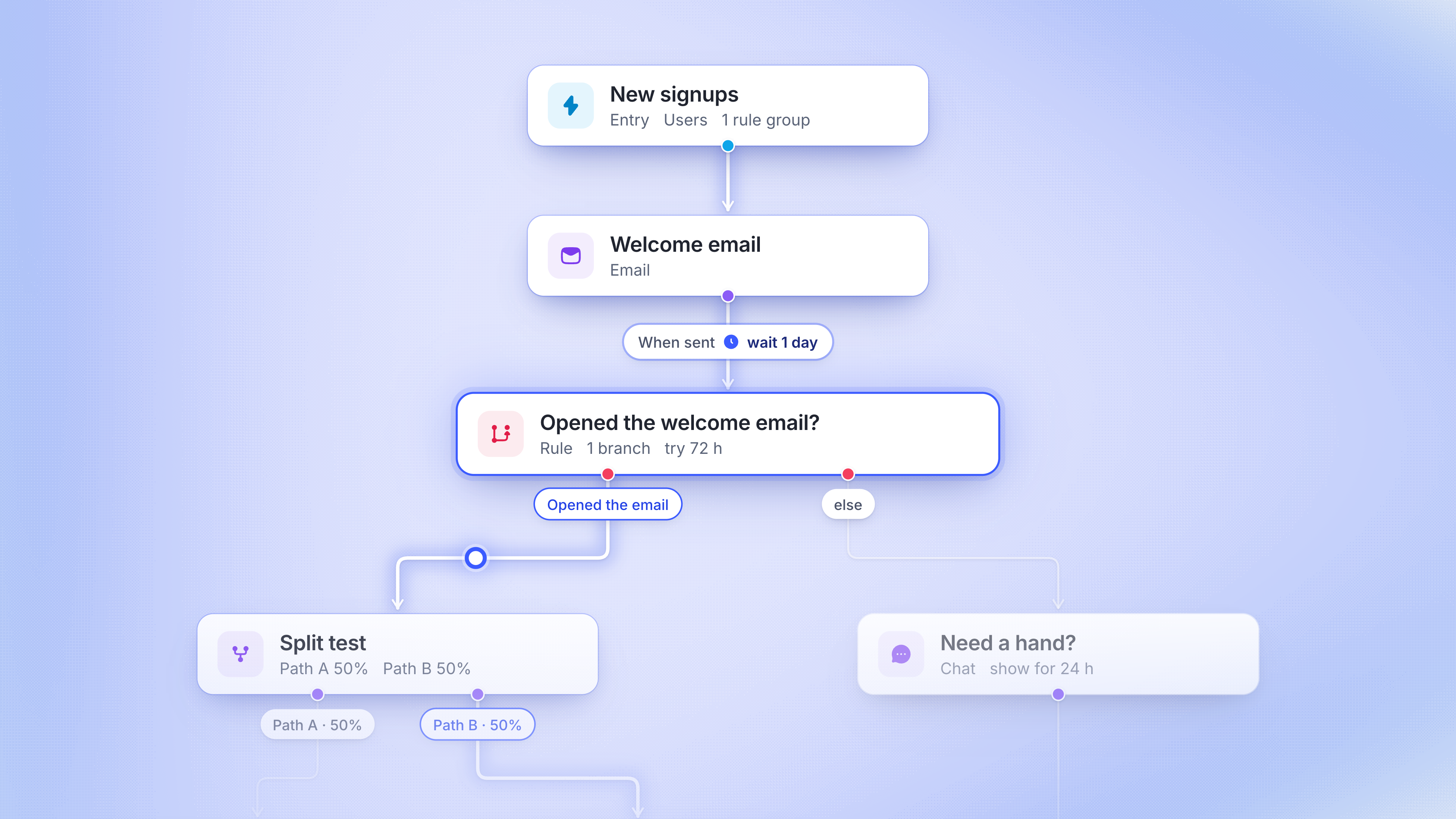
Journeys lets you build onboarding flows, drip campaigns, and re-engagement sequences that adapt to what each customer does.

  • Every channel in one flow - emails, chats, banners, posts, surveys, and Product Tours

  • React to what customers do - branch on opens, clicks, replies, answers, and events

  • Test what works - A/B tests with a control group, and a goal for each journey

  • Change it safely - edit a draft while the live version keeps running

  • MCP support - effortlessly edit and build journeys at scale with your AI agent

Start from a template or build your own.

Journeys at Featurebase costs a fraction of what other campaign tools charge: up to 60% less. Migrate from your current tool with an AI agent in an afternoon.

Get started with Journeys β†’

NewProduct suiteSupport suite

Workload management

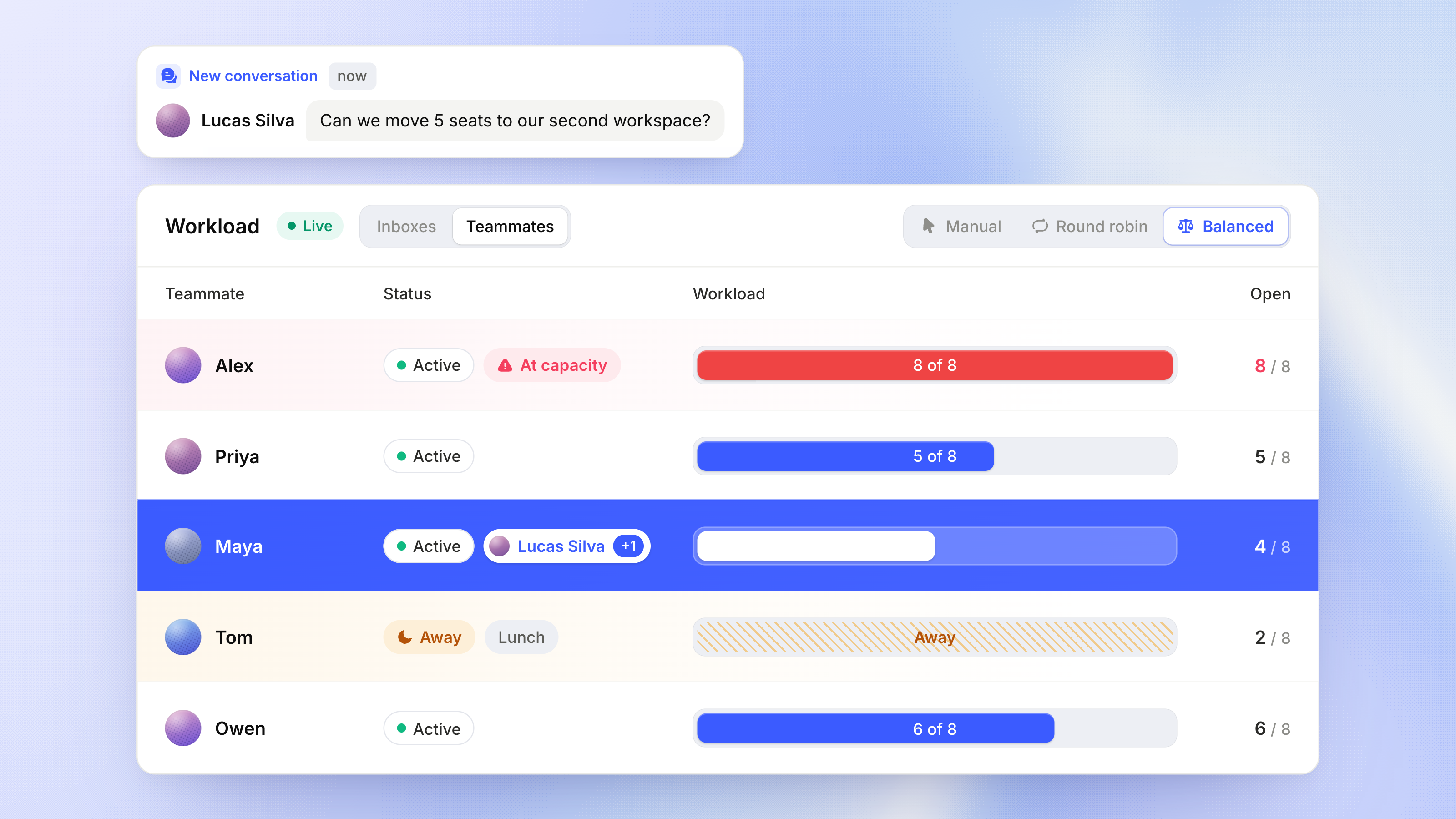
Keep support moving as your queue grows. The new Workload management handles assignment, so your team spends less time sorting conversations and more time helping customers.

  • Balanced assignment - automatically assign conversations to available teammates with the fewest open conversations, within teammate and inbox limits

  • Round robin assignment - distribute new conversations evenly by assigning them to teammates in turn

  • Handle urgent conversations first - prioritize the queue by urgency, SLA deadlines, or how long customers have been waiting

  • Bring in backup when needed - use backup teammates or route new conversations to another team through Workflows when your usual team is at capacity

  • Teammate availability & away modes - set yourself Away or use automatic away mode after inactivity, with optional conversation reassignment when customers reply while you're away

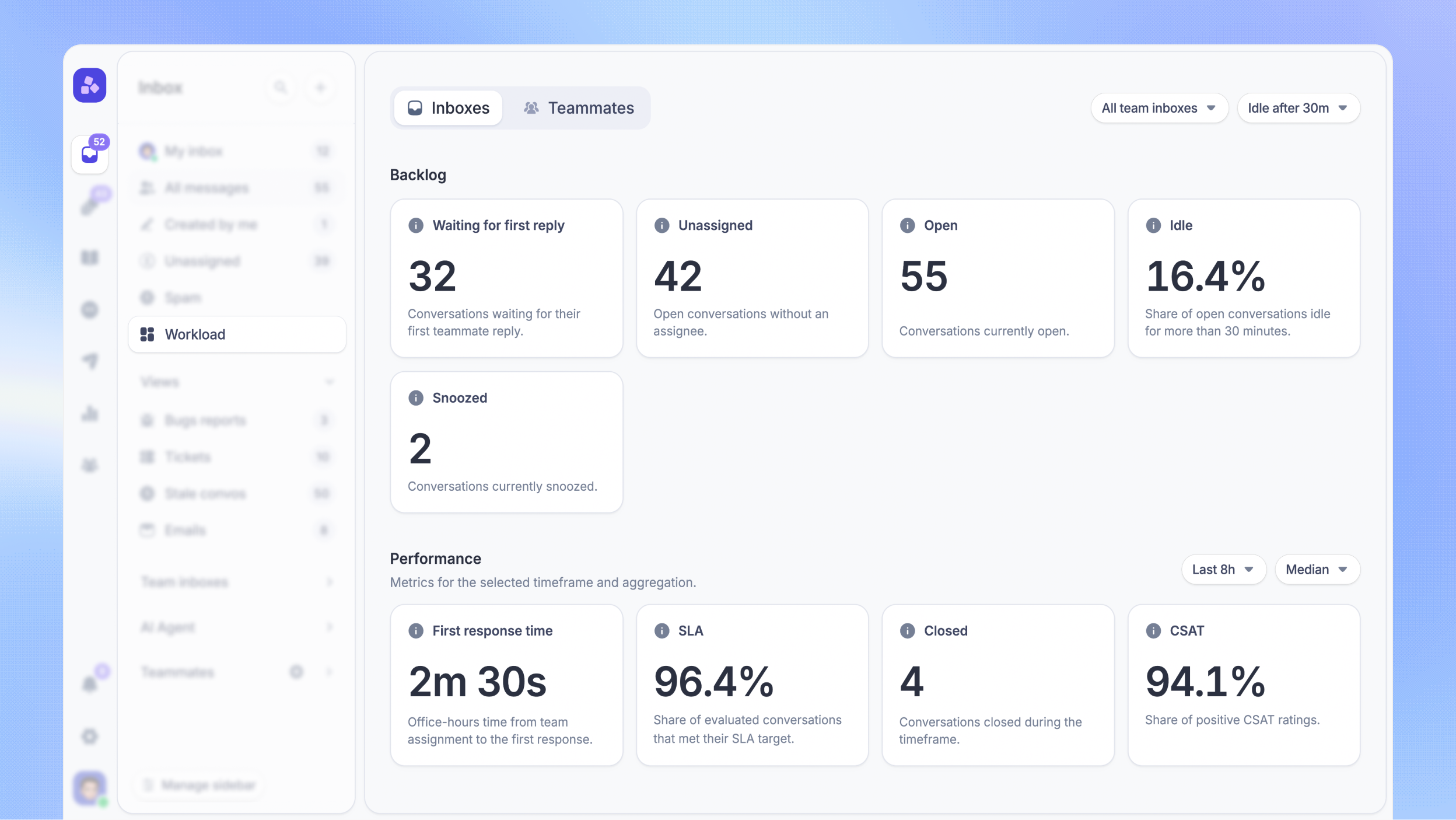
  • See where your team needs help - track waiting conversations, teammate availability, and capacity in a live dashboard

Balanced assignment and advanced workload controls are available on the Enterprise plan.

Get started with Workload management β†’

NewSupport suite

Earlier updates