Feedback 2.0: Customer feedback on Autopilot
Hey there,
We've upgraded our feedback product so feedback from every channel is automatically organized and connected.
Your feedback setup works just like before, now with a lot more on top. Your team can see what matters, backed by customer data and supporting evidence.
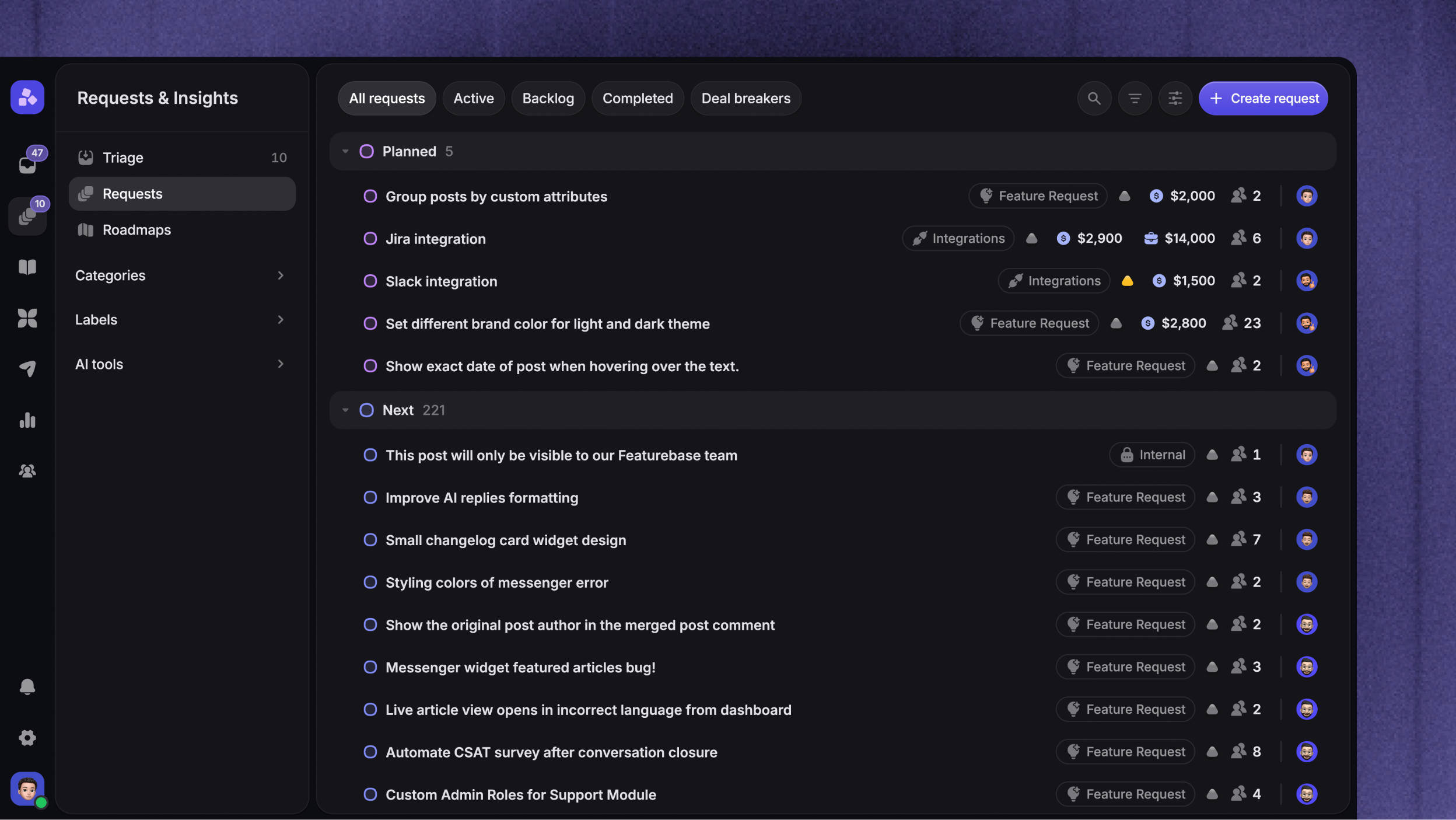
Requests & Insights

Feedback posts are now called Requests. Before, a post only held what customers shared on your portal. Now a Request also collects feedback from Support conversations, customer calls, and other sources, so you see everyone asking for the same thing in one place.
Each Request is backed by Insights:
Requests - the work items your team tracks, prioritizes, and links to issue trackers
Insights - the individual pieces of feedback and evidence behind a Request
For example, your team tracks a CSV exports Request. A Support conversation and a Feedback Portal submission about the same need become two Insights attached to that Request.
Open a Request to see the people and companies asking for it, their synced data, and the supporting Insights.
Your existing feedback carries over. See how →
Let Autopilot organize feedback

The new AI Autopilot helps organize feedback for your team. It understands incoming feedback and connects it to the Requests you already track:
Organize feedback - turn incoming feedback into clear Requests and separate distinct asks, while keeping the original wording available
Connect Insights - link related customer feedback to the Requests it supports
Handle duplicates - find Requests for the same need and suggest or apply a merge
Choose an automation level to control how much Autopilot handles for you.
The new Triage queue keeps uncertain matches and Requests that need a reply or approval in one place.
Capture feedback from customer calls

Feedback from your customer calls now flows automatically into Featurebase through our new Fathom, tl;dv, Grain, Gong, Fireflies, and Granola integrations.
Connect your recorder to import the last 30 days of calls and automatically sync new ones. Autopilot extracts Insights from the transcripts and links them to relevant Requests.
Uncertain matches go to Triage, with the original transcript to help you review them.
Redesigned dashboard

The Requests dashboard now brings the Request, its Insights, and customer context together in one place. The tools for managing Requests got upgrades too:
Bulk actions - update statuses, assignees, categories, visibility, labels, and form fields across many Requests
Labels and label groups - organize Requests with grouped labels and automatic AI labeling
Form fields - choose the form fields customers complete for each type of Request
Updated filtering, ordering, and grouping

You can now also create much more flexible views and save them:
Filtering - filter by status, labels, assignee, dates, form fields, and customer data
Ordering - sort by creation date, requesters, revenue, Impact, and other signals
Grouping - group by status, assignee, category, or company
Display options - choose which properties appear
For example, save a view of unassigned bug reports, group it by category, and put the newest Requests first.
Capture feedback from Support

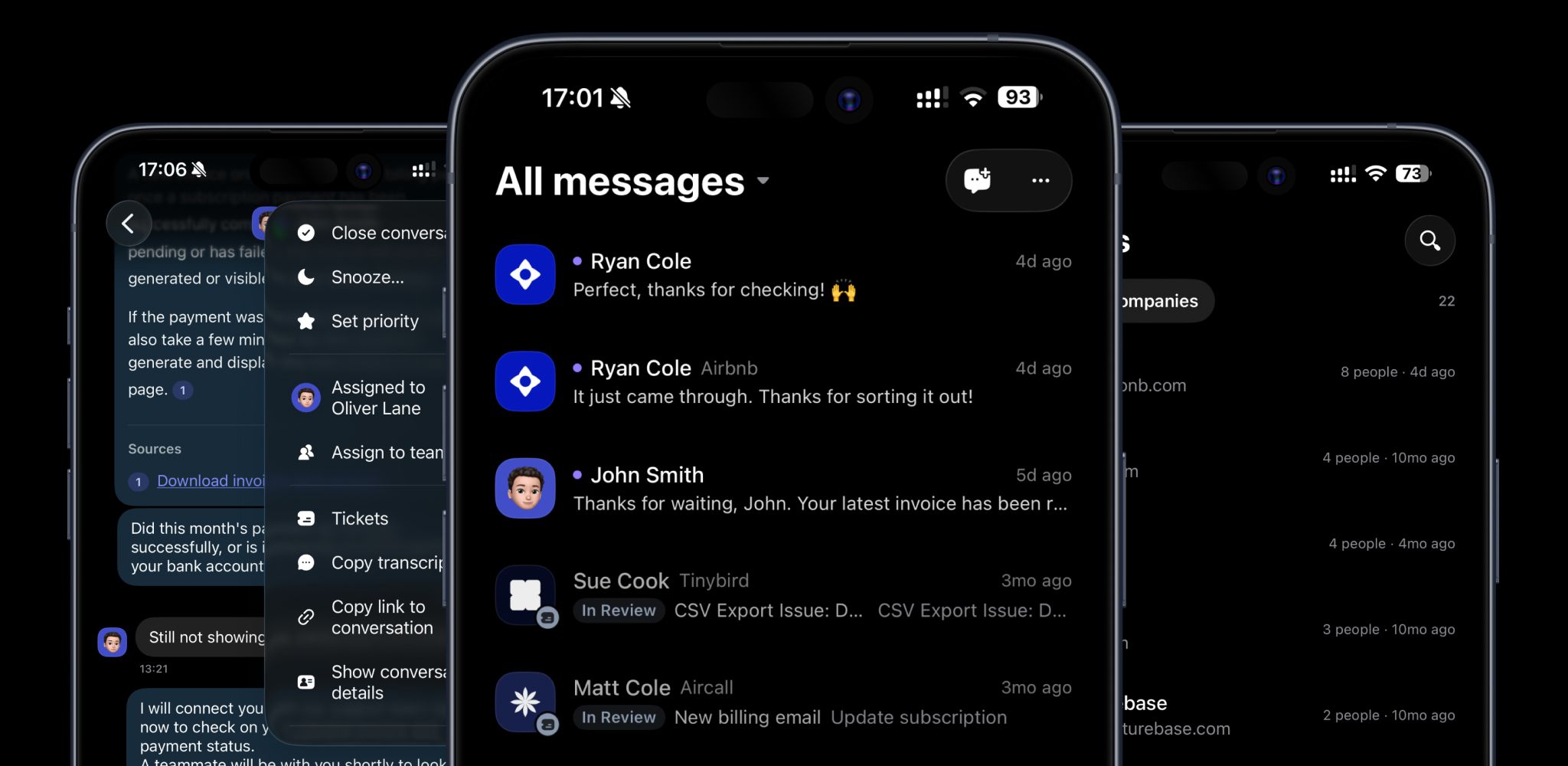
The new Requests section in the Inbox connects customer feedback and linked issue tracker items while you help customers:
AI suggestions - Autopilot suggests new Requests to track and existing ones that match
Create or link - link existing Requests and issues, or create one from the conversation
Automatic updates - status changes in Featurebase and connected issue trackers now add internal notes to conversations, so your team knows when to follow up
Now Featurebase helps you capture feedback as you support customers, so nothing gets lost.
Close the loop where it started

You can now send Request updates back to the Support conversations where customers first asked.
Write the update once, then send it to linked conversations alongside your usual portal and email updates. Customers hear from you in the same conversation, without your team finding and replying to each thread separately.
Featurebase started as a simple feedback tool in 2022. AI has significantly changed what's possible since then, so we've rethought how teams collect and manage feedback. We're really happy with the result and hope you enjoy it!
Learn more about Feedback 2.0 →
As always, leave us feedback! 🙌