Impersonation warning explained
Why you may see an impersonation warning in your Inbox and how to handle it.
Written By Markus Palm
Last updated 6 days ago
Overview
Social engineering is a tactic in which attackers manipulate people into giving up access or sensitive information. In customer support, this can appear as someone pretending to be a legitimate user who is locked out of their account.
This article explains why you may see an impersonation warning and how to handle it.
Why is there a warning on my conversation?
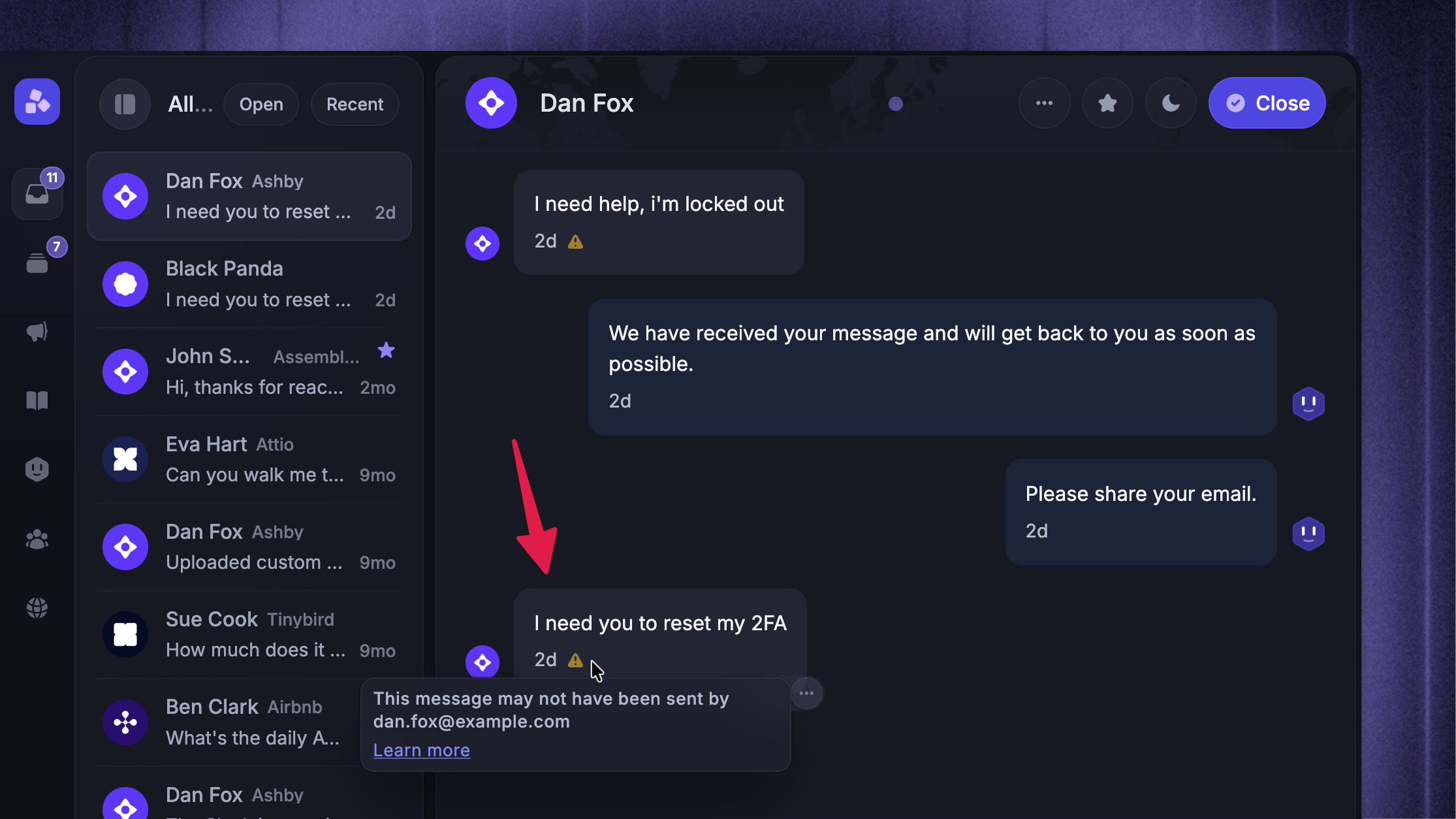
You’ll see a warning on conversations where a lead claims to have the same email address as an existing user in your workspace.
A Small exclamation mark appears on each message in the lead’s conversation
The Warning indicates that the person may not actually own the email address they provided
These warnings exist to help you avoid trusting an unverified email address entered in Messenger.
Leads and users can appear with the same email address across different devices. If the system automatically trusted the email address alone, it could allow user spoofing or social engineering attempts.
You should always verify the identity of the person before sharing sensitive information or making account changes.
How does it work?
If there’s an existing user with the email victim@example.com, and a new lead claims to have that same email, a warning will appear on the lead’s conversation.
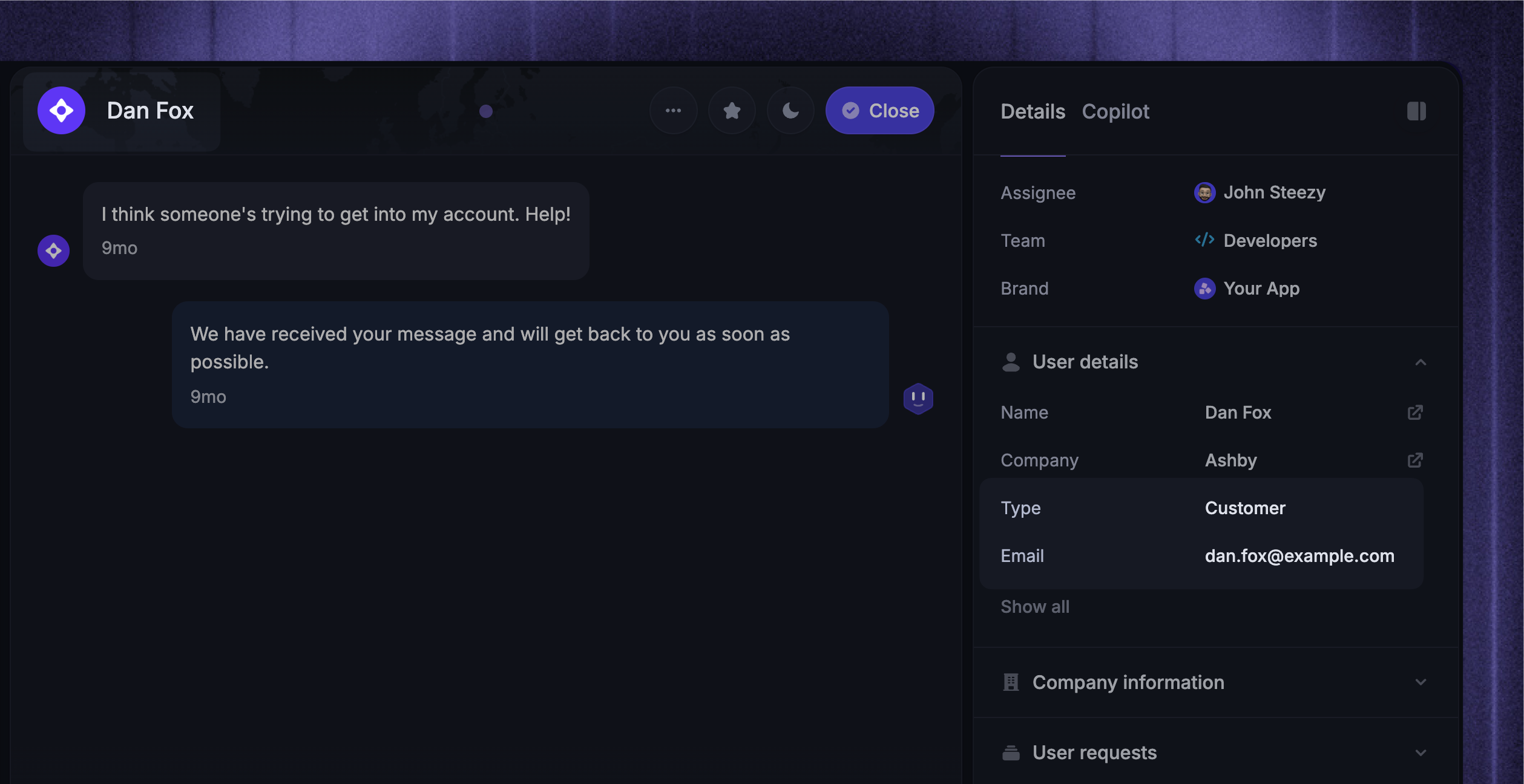
In this example, there is a legitimate user on the workspace called Dan Fox with the email dan.fox@example.com
Later, an unidentified visitor enters dan.fox@example.com in the Messenger and asks for a password reset. Since there is no proof they own the address, a warning appears on the conversation:
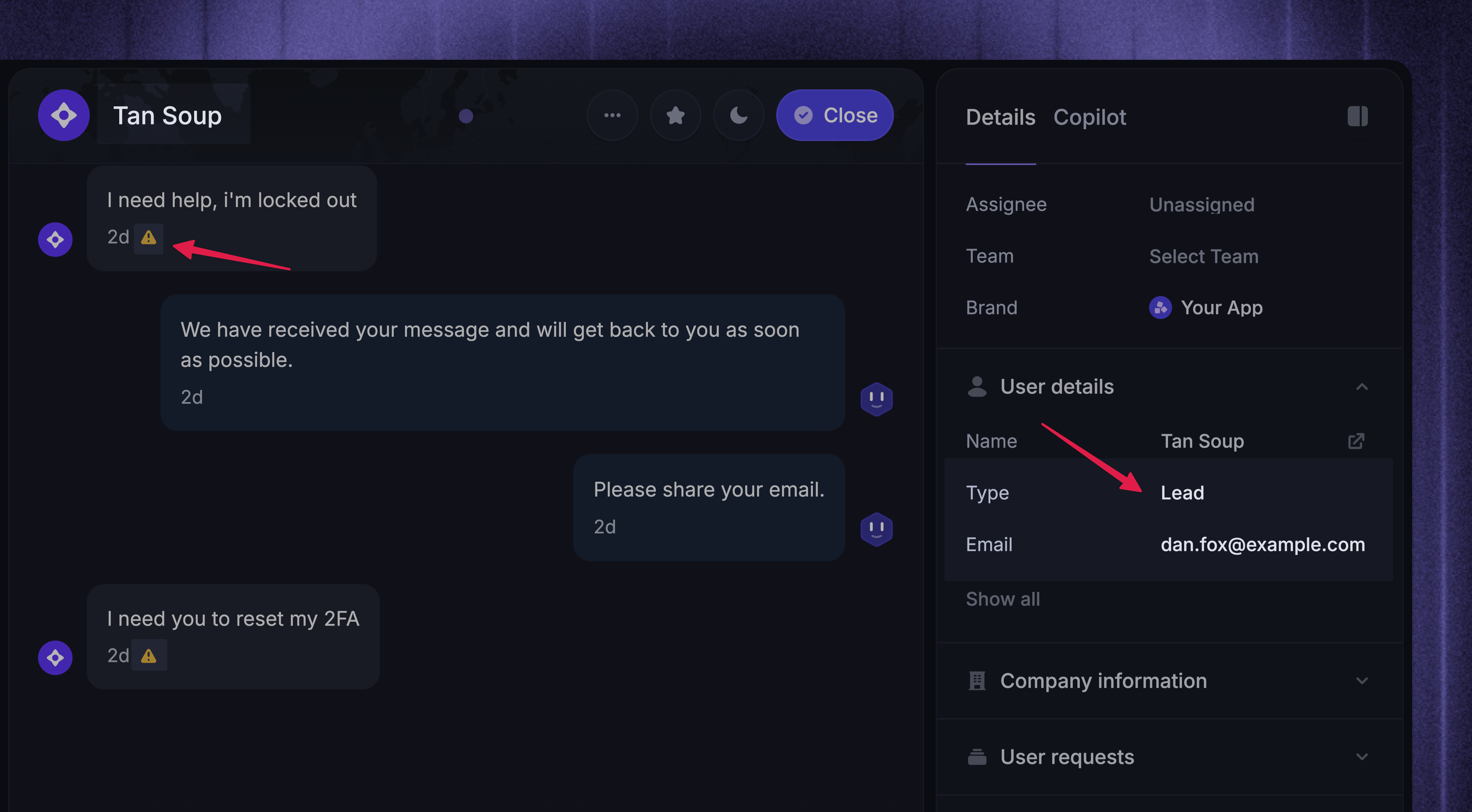
This does not automatically mean the person is an attacker. They may simply be logged out or locked out of their account. However, it could also be an impersonation attempt.
Always verify identity before taking action!
Want more protection?
To protect your Messenger from bad actors impersonating your real users, we strongly recommend setting up Messenger Security with JWTs.
In addition to these warnings and Messenger security, you can use workflows to better protect your team against social engineering.
FAQs
How can I verify leads in Messenger?
How can I verify leads in Messenger?
Leads are unauthenticated visitors who start a conversation while logged out.
They initially appear with an auto-generated name and picture:
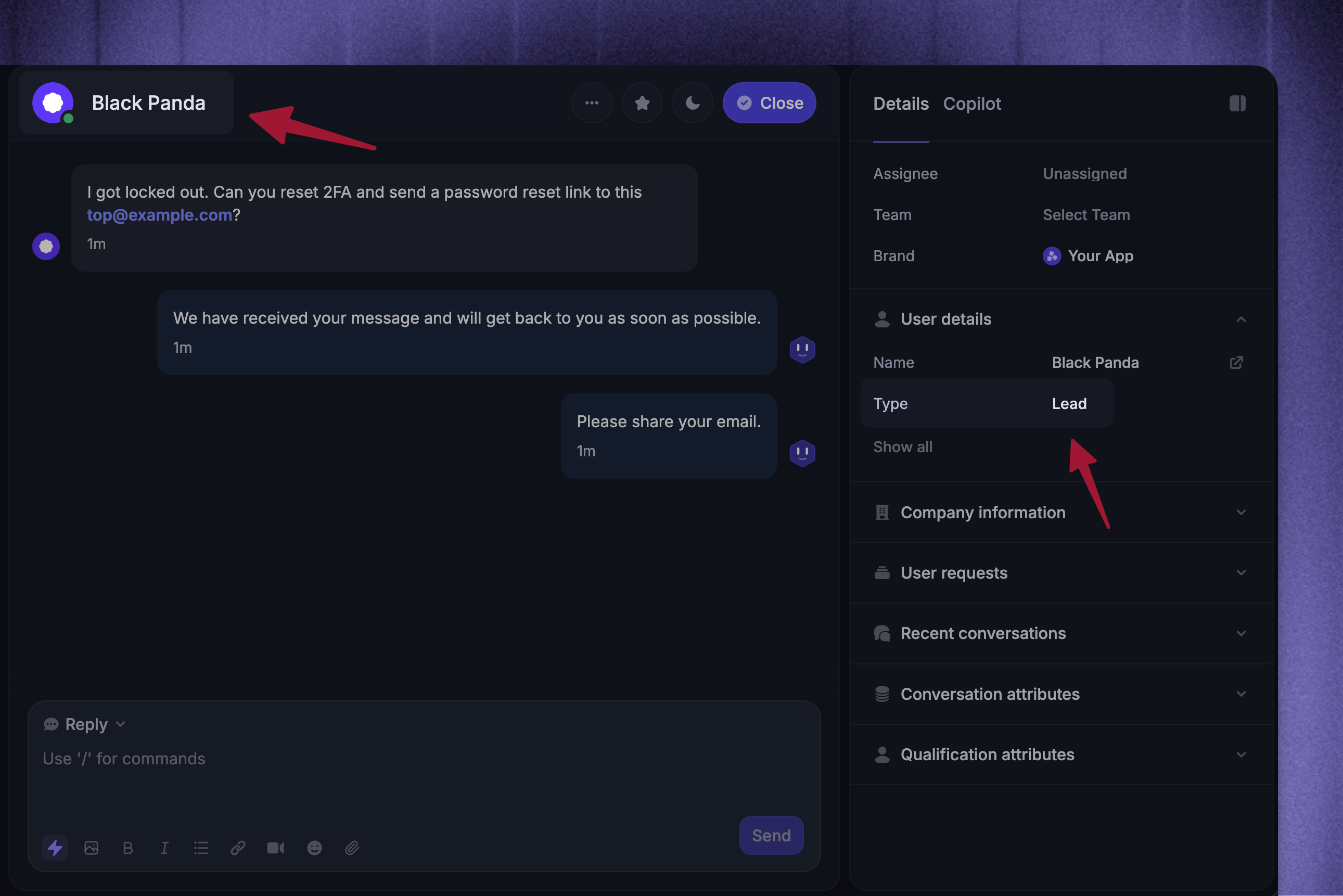
They can later enter an email address in Messenger when prompted. The entered email updates their data in the Inbox:
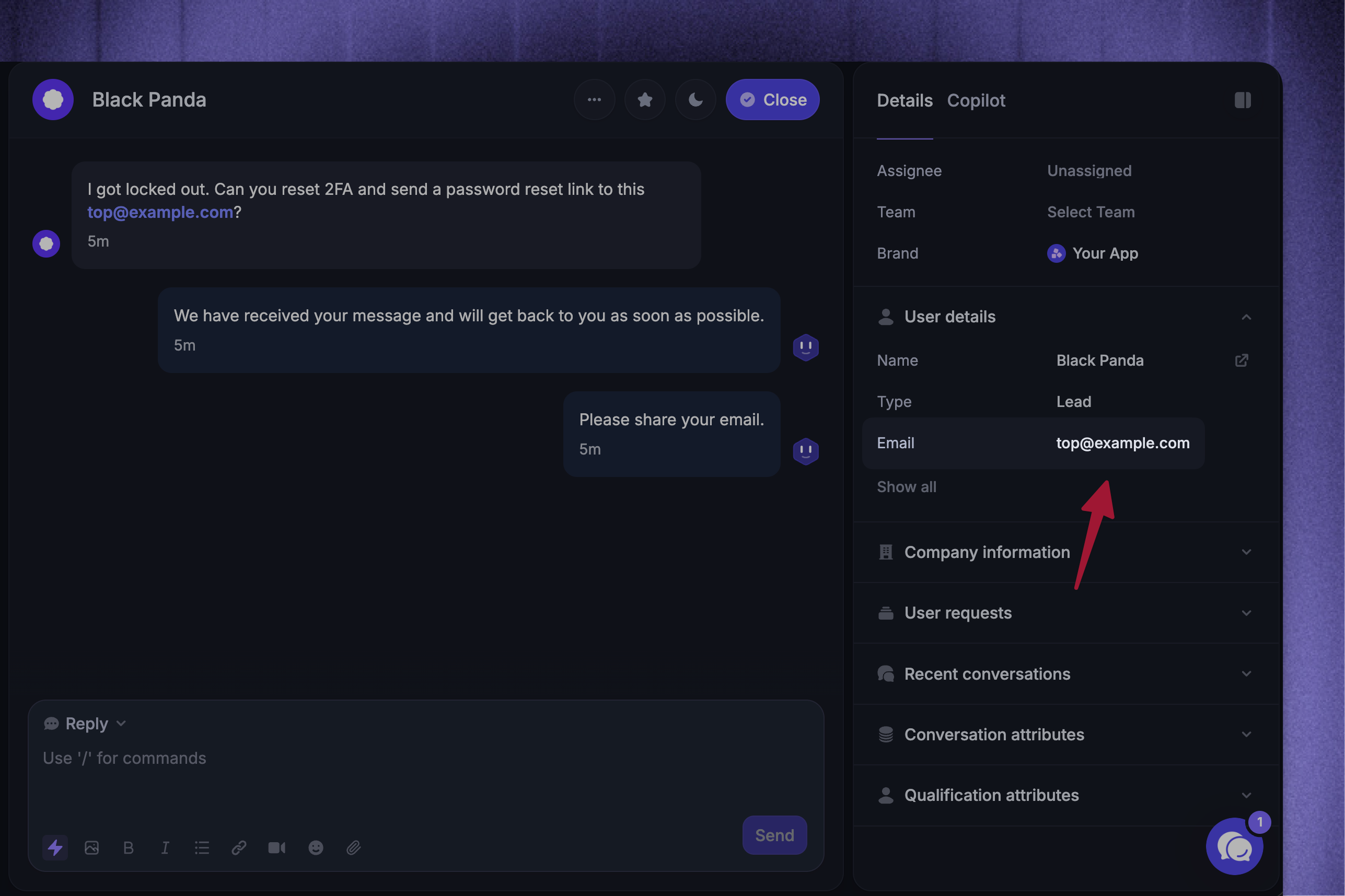
A lead can enter any email address. There is currently no mechanism to prove ownership of an email address within the Messenger. However, for more information on how you can secure your workspace against social engineering, please see: Protecting your workspace against social engineering
How does lead user merging work?
How does lead user merging work?
If a Lead and a User start a conversation from the same device, their profiles may be merged. For a merge to happen:
The Lead and User must share the same email address
They must share the same session cookie
The User must log in again for the merge to complete
When these conditions are met, the lead profile is folded into the existing user profile.
For more details, see: Merge leads & users profiles
Was this helpful?
Still need help? Ask the team