Group your users by company
Manage B2B support & feedback, identify new company segments, message a company, and more.
Written By Markus Palm
Last updated 6 days ago
Overview
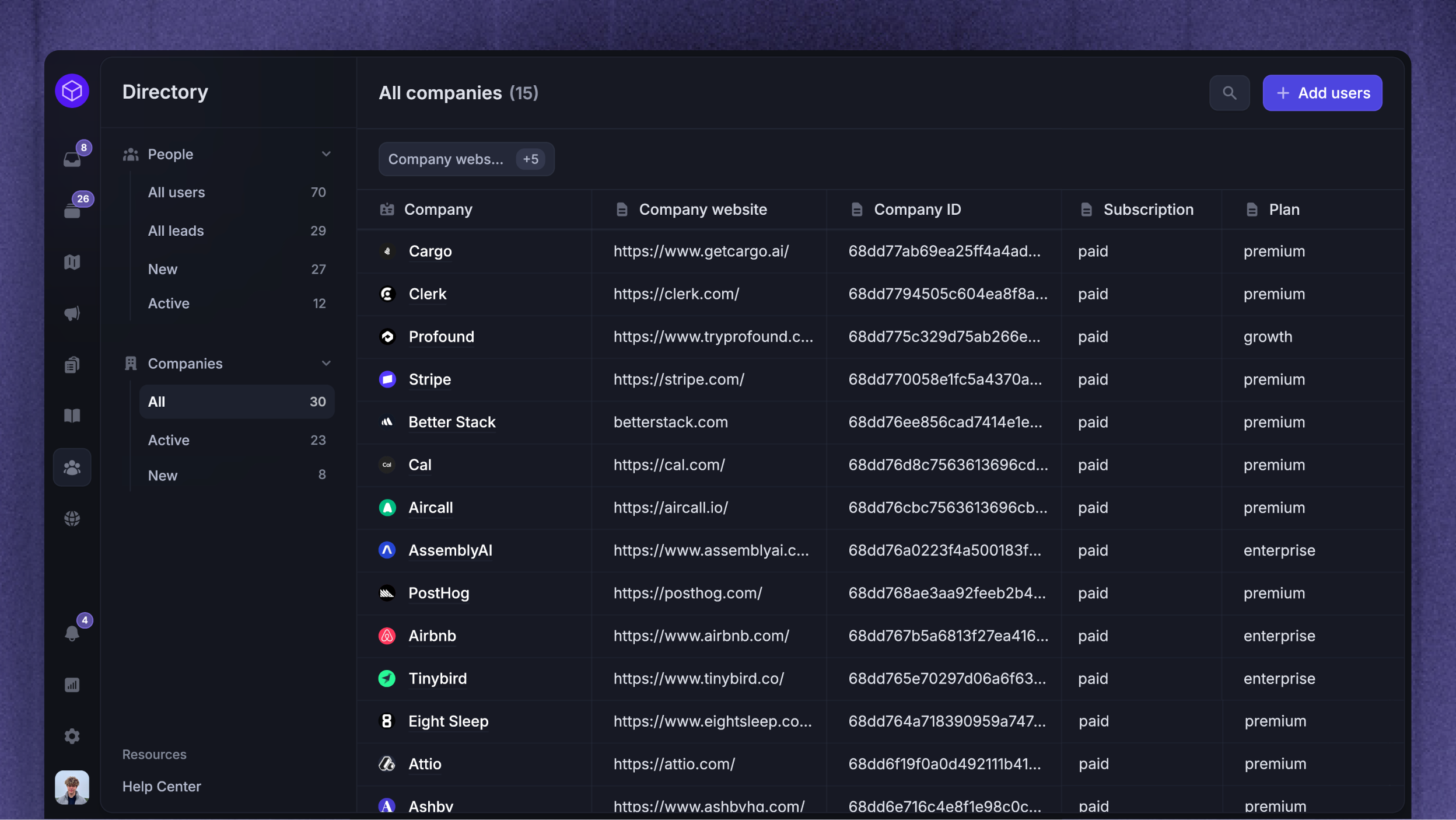
If you’re a B2B company and sell to businesses, then you need to be using Featurebase’s company records. By default, Featurebase treats all users as individuals, but the company records groups all the users from the same company together.
Why use the company records?
Company-level context - Open a company profile to review its people, conversations, tickets, and Requests. Use company segments to group companies by their attributes.
Company-level communication - Send targeted messages, surveys, and updates to specific companies only (e.g. companies that stopped using feature X).
Company-level access restrictions - Restrict access to specific help articles or feedback boards to certain companies and their members only.
Get started
You can create company records by syncing company data or importing a CSV file. Link users with the same Company ID to group their activity under the company.
Important information
You should input only rounded integer values for the monthly_spend attribute in your company's data, as we automatically round any float values. For example, if your monthly spend is 10.4 you should round it to 10.
If a user is associated with multiple companies, we don't know which company's sessions to update, unless we have a company ID. Therefore, for the company's sessions to be updated, the user update must contain the company object.
Users can belong to multiple companies, but you should only send us the data for the company that the user is currently signed in with. You can also send other attributes within the company object. Those will be treated like custom attributes for that particular company.
Was this helpful?
Still need help? Ask the team