Copilot overview
Work faster in the Inbox with AI-powered answers, guidance, and context – right where you reply to customers.
Written By Kateryna Babenko
Last updated 5 days ago
Overview
Copilot is your AI assistant inside the Featurebase Inbox. It helps your team answer customers faster, stay consistent, and find the right information without leaving the conversation.
Copilot uses your existing content – help articles, internal docs, past conversations, and macros – to generate accurate, context-aware answers. This makes it easier to support customers, onboard new teammates, and handle complex questions with confidence.
All teammates can use Copilot in up to 10 conversations per month at no additional cost.
Get started with Copilot
To start using Copilot:
Prepare your knowledge sources (help center, internal articles, macros)
Decide which teammates should have access to Copilot
Enable Copilot in the Inbox.
Train your team on how to ask good questions and review answers.
Once enabled, Copilot is available directly inside conversations, with no extra setup required.
How Copilot helps you
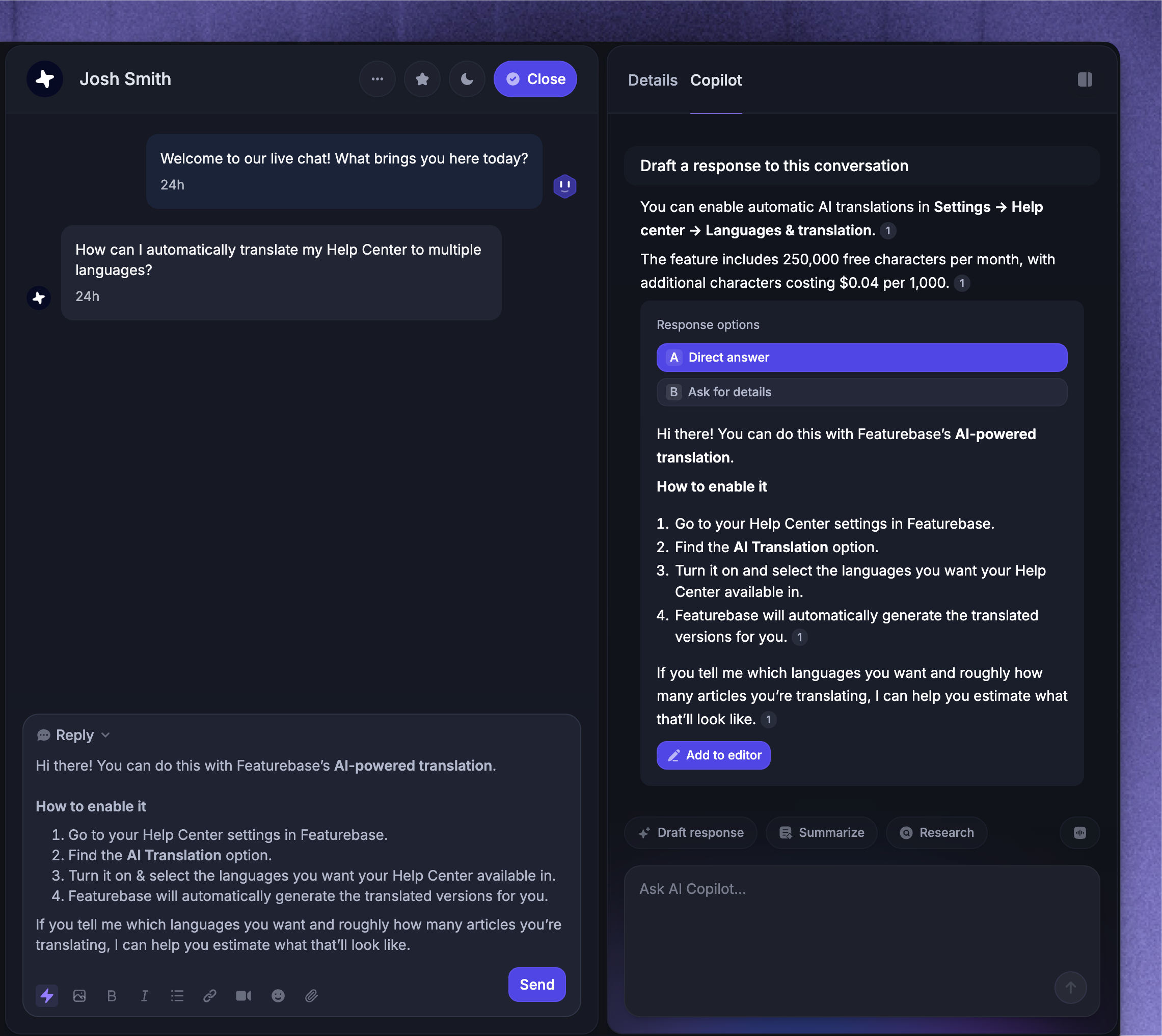
Get instant answers while replying
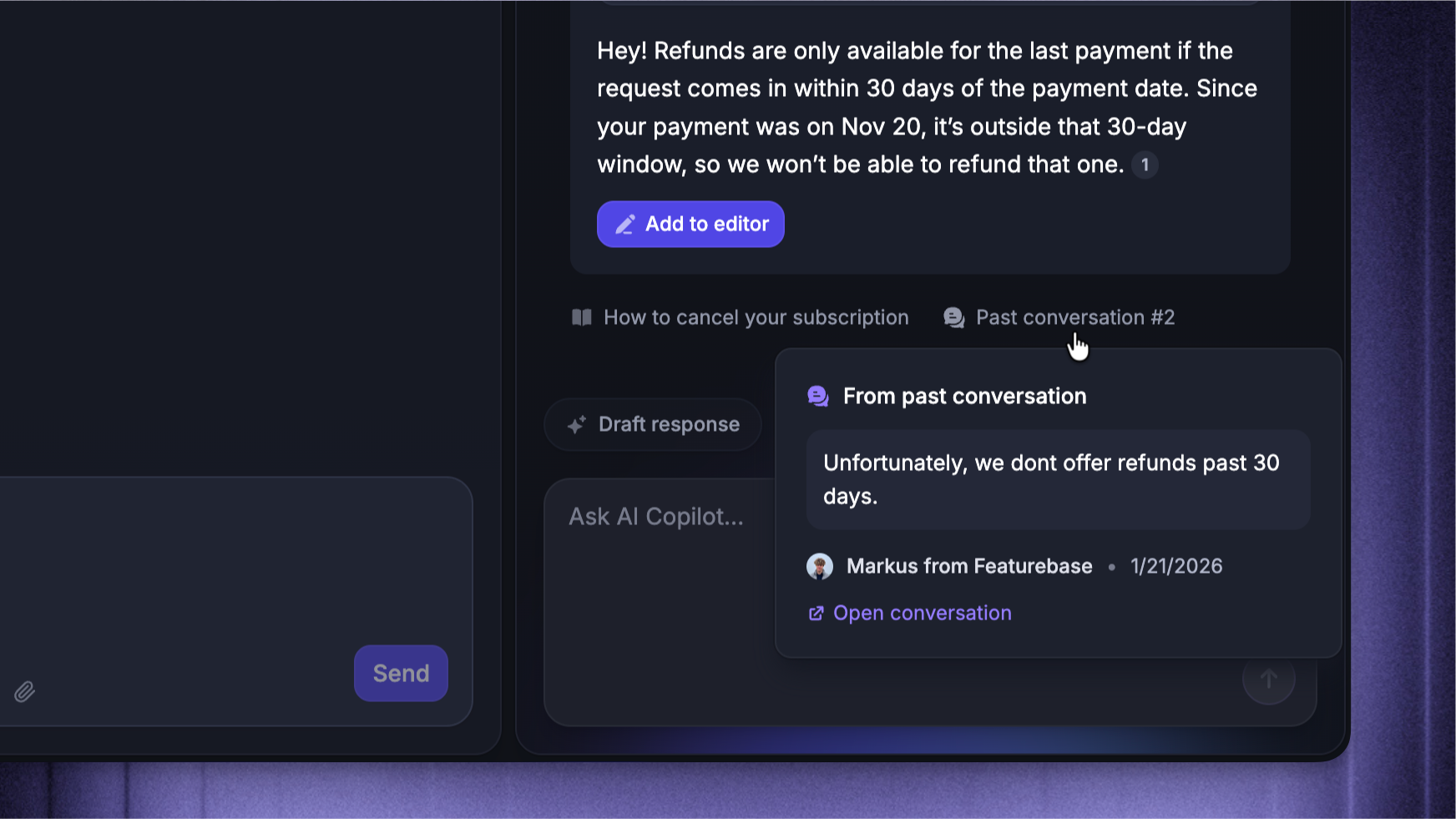
Copilot helps you find answers to customer questions directly from the Inbox. Simply ask Copilot a question, and it will suggest a reply based on the full context of the conversation and your knowledge sources. You stay in control and can review or edit the answer before sending it to the customer.
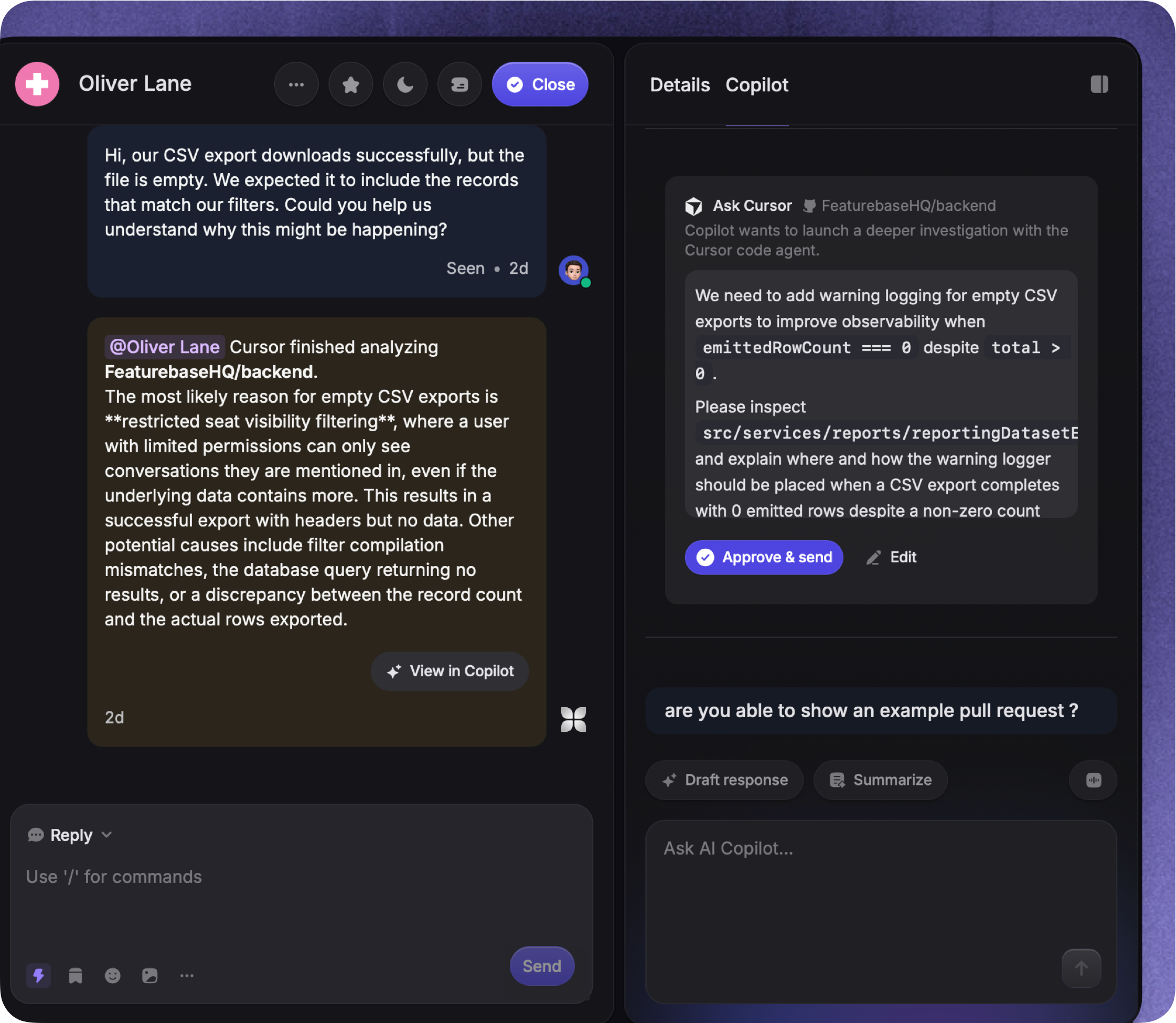
Investigate issues using your codebase
With the Cursor integration, you can ask Copilot to investigate customer issues using your connected codebase and draft replies from the findings. You can also ask Cursor to implement a fix and open a pull request for review. Each request requires your approval before it runs.
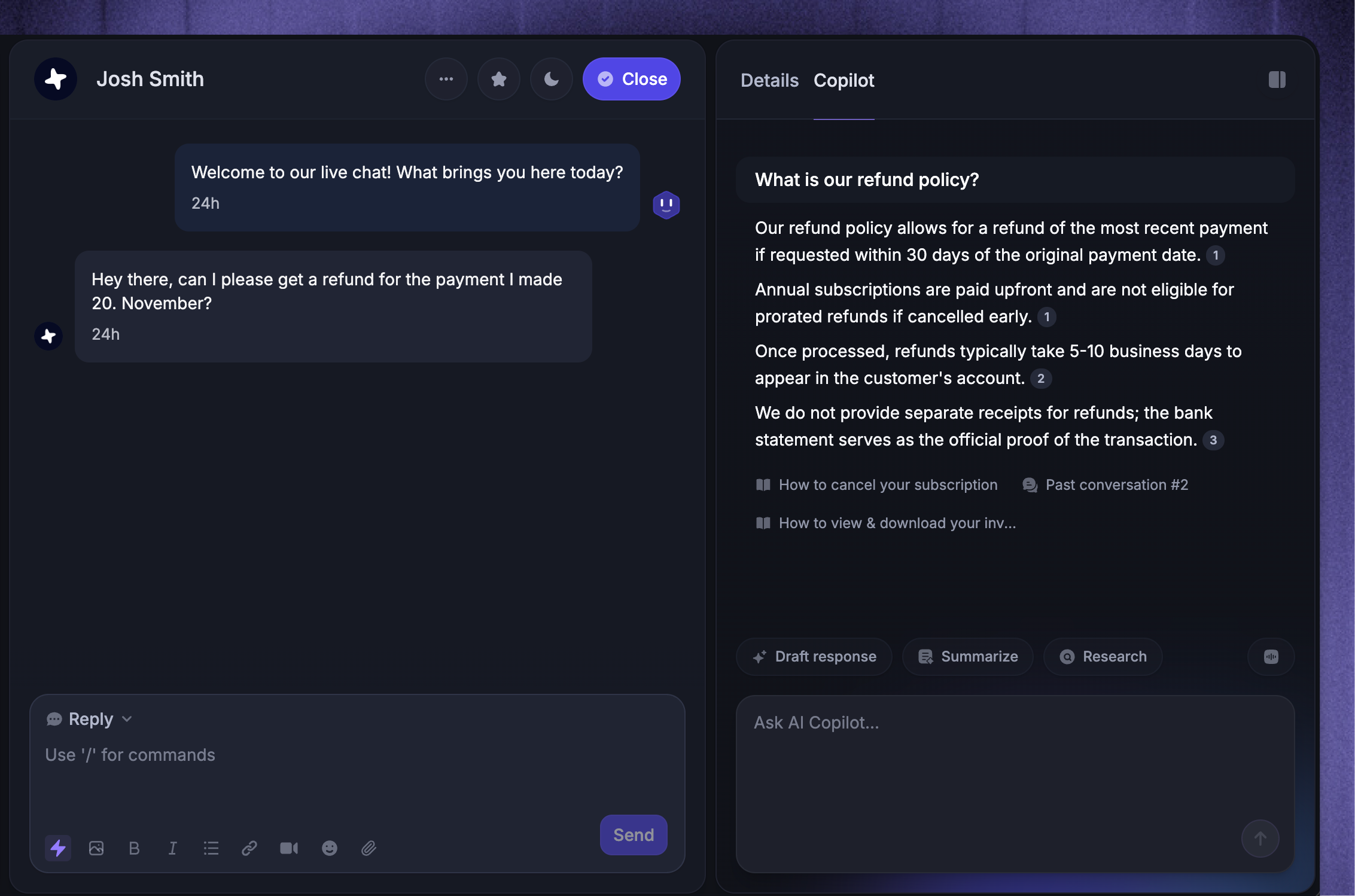
Get internal help and onboarding support
Copilot is not just for customer-facing answers. You can also use it for internal questions to find answers to edge cases and see how you’ve handled similar issues in the past. This is especially useful for onboarding new support agents or helping teammates get up to speed faster.
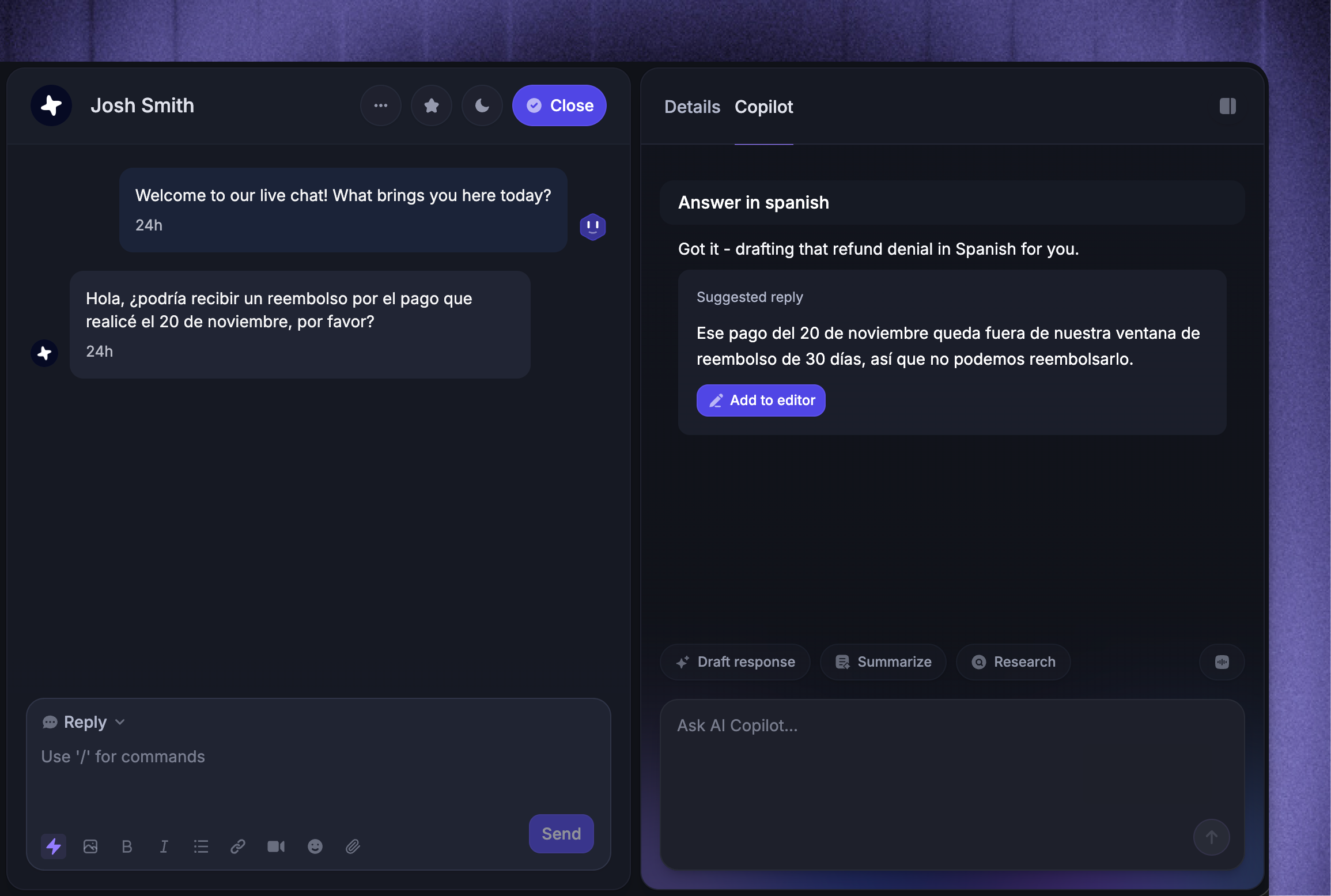
Customize and refine answers
Copilot’s answers are fully editable. You can choose from multiple reply options, ask it to rewrite (e.g. shorten), translate the reply into another language, and much more. This makes it easy to stay on-brand while still saving time.
Use trusted content sources
Copilot generates answers based on your knowledge sources (help center, internal articles, past inbox conversations, and macros). You can always preview and verify the sources Copilot used before sending a reply, ensuring accuracy.
FAQs
How much does Copilot cost?
How much does Copilot cost?
Copilot is available on paid plans, with included usage for every teammate.
Unlimited usage can be purchased as a flexible per-seat add-on for $25/month per teammate (or $19/month per teammate with an annual subscription).
Tip: Copilot unlimited usage can be purchased for individual teammates - you don’t need to purchase it for all seats.
Does Copilot automatically stop after 10 conversations per teammate?
Does Copilot automatically stop after 10 conversations per teammate?
After a teammate has used their 10 conversations with Copilot per month, Copilot will stop responding to the teammate's questions in the Inbox, and you won’t be charged until you decide to buy unlimited usage.
What languages does Copilot work with
What languages does Copilot work with
Copilot works with all 40+ of our supported languages. You can set your preferred language in your Profile Settings.
How quickly will Copilot use information updated in articles created in Featurebase?
How quickly will Copilot use information updated in articles created in Featurebase?
Copilot will use updated information in public/internal articles created in Featurebase almost immediately (a couple of minutes). Updates to synced content depend on the source.
Are conversation notes included in conversation history?
Are conversation notes included in conversation history?
Yes, notes within a conversation are also used by Copilot.
How does Copilot handle multimedia (images/video)?
How does Copilot handle multimedia (images/video)?
All multimedia is currently not used/visible to Copilot.
How does Copilot generate answers?
How does Copilot generate answers?
Copilot uses the latest AI models to understand the customer question, search for relevant sources in the help center, previous conversations, and feedback tickets, and provide accurate answers based on those sources.
When Cursor is connected, Copilot can also request a codebase investigation with your approval and use the findings in its reply.
Was this helpful?
Still need help? Ask the team